How to Turn Your Baby Photo into a Viral Dance Video in 2 Minutes (2026 Guide)
Want to make your baby dance like a TikTok star? Learn how to use the best AI Baby Dance generator to turn static photos into viral videos in minutes. No editing skills needed.
We’ve all seen them while scrolling TikTok or Instagram Reels: a cute baby doing the "Slickback," mastering the "Pikki Pikki," or breaking it down to a trending beat. It’s hilarious, it’s adorable, and it almost always goes viral.
But here’s the secret: parents didn’t teach their toddler professional choreography. And they definitely didn’t spend hours learning animation software.
In 2026, AI video generation makes it easy to bring static photos to life. Tools like Viggle or Kling AI can be powerful, but they’re often too complicated if you just want a funny video fast. This guide shows the simplest way to use an AI baby dance generator for photo-to-video creation and turn your favorite baby photo into a dancing video in about 60–120 seconds.
Real Examples: From Photo to Dance Video (2 User Cases)
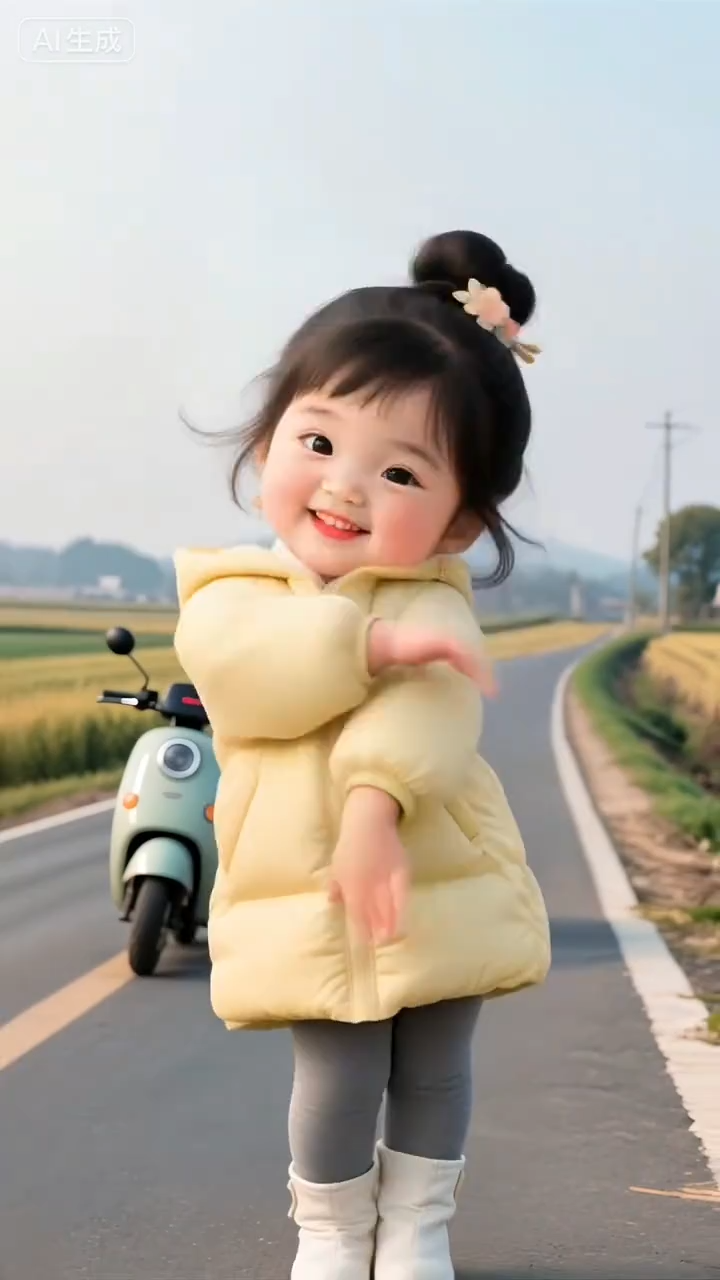
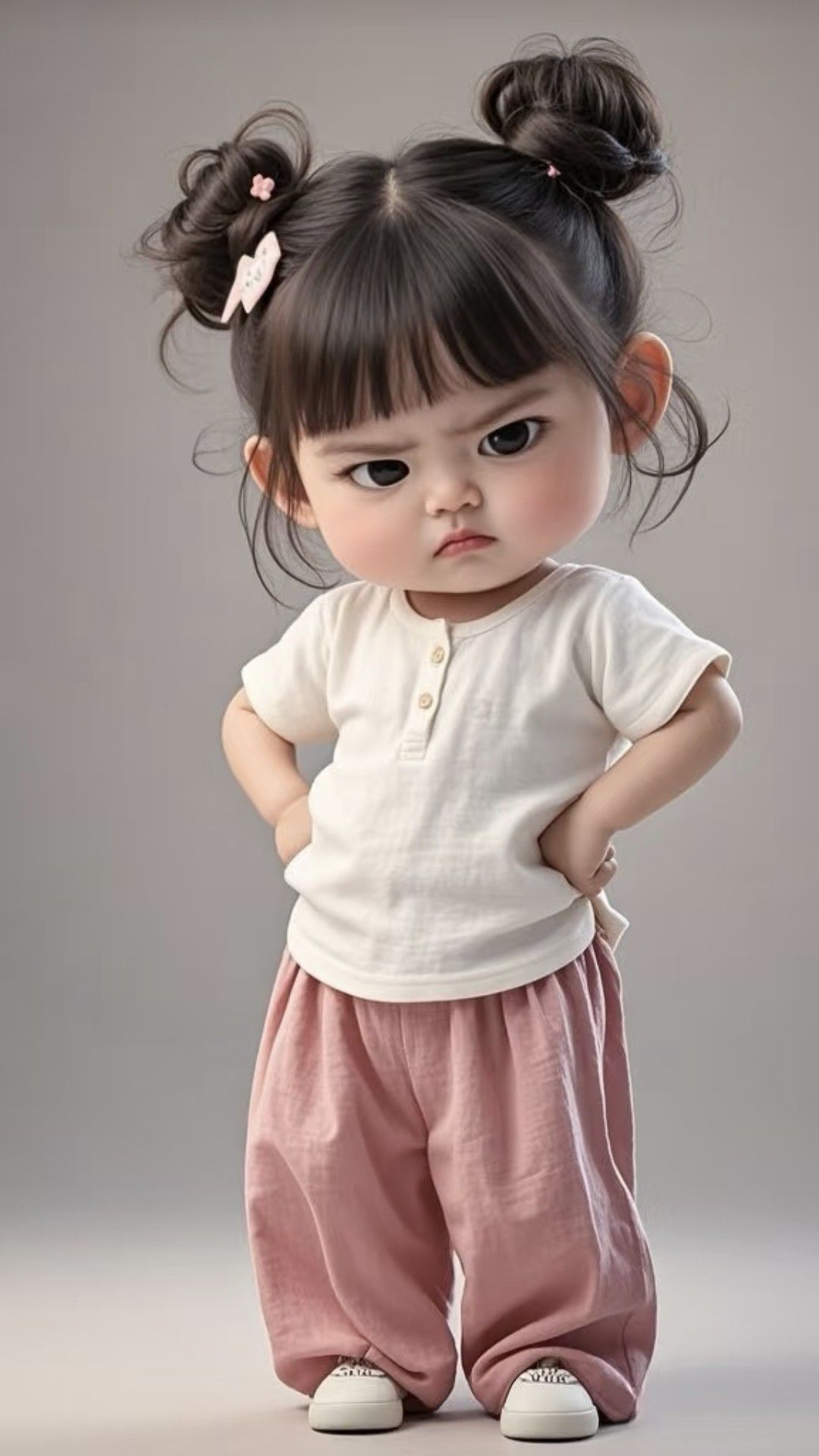
Below are real examples created with AI Baby Dance, showing the exact input photo, the selected dance template, and the final output video.
Comparison note: Both examples use the same dance template, but the results still look different because the input photo matters. A clear, front-facing face, good lighting, and a visible full body usually produce smoother motion and more natural facial details. If your first attempt looks off, try a different photo (or crop slightly wider to include shoulders and hands) and generate again.
User Case 1
Input photo:
User Case 2
Input photo:
Why Is Everyone Obsessed with AI Baby Dance Videos?
The trend is taking over social media for a few simple reasons:
- The "Cute" Factor: There’s nothing funnier than seeing a baby perform adult dance moves with a serious face.
- Social Currency: These videos are engagement magnets and get shared instantly.
- Preserving Memories (With a Twist): Turning static photos into animations makes your camera roll feel alive again.
Step-by-Step: How to Make Your Baby Dance with AI
You don’t need to be a prompt engineer. AI Baby Dance is designed to be as simple as possible.
Step 1: Choose the Perfect Photo
Your output quality depends on your input. For the best results:
- Full body is best: Use a photo where the baby is standing or sitting with the whole body visible.
- Clear lighting: Avoid dark or blurry photos.
- No obstructions: Make sure nothing blocks the baby’s face or body (blankets, big toys, etc.).
Step 2: Select a Trending Dance Template
Unlike general image-to-video tools where you must write prompts, AI Baby Dance provides a curated library of viral moves.
Go to the AI Baby Dance generator and browse templates. Trending in January 2026:
- The Happy Bounce: Energetic and perfect for toddlers.
- Disco Baby: A classic move that works well with retro beats.
- The "Pikki Pikki": The viral Korean cheerleader dance taking over TikTok.
Step 3: Generate and Download (No Watermark)
Upload your photo, click "Generate," and let the AI handle the animation.
In about 60–120 seconds, your video is ready. Premium users get clean, watermark-free downloads that are ready for Instagram Reels or YouTube Shorts. See our pricing for credit packs and premium downloads.
Pro tip: Want to try it first? You can start for free and upgrade later.
Create My Baby Dance Video Now
5 Creative Ideas for Your Next AI Video
Here are a few fun ways parents use AI Baby Dance videos:
- The Virtual Birthday Invitation: Send a dancing baby video to invite guests.
- The "Gender Reveal" Dance: Use a song to hint at boy/girl.
- Family Group Chat Reaction: Reply to family messages with a victory dance.
- Holiday Greetings: Create a Christmas baby dance video (elf outfit works great).
- Recreate Viral Memes: Take a classic meme photo and make it actually dance.
AI Baby Dance vs. Viggle vs. Kling: Which Is Right for You?
You might wonder if you should use Viggle, Runway, or Kling instead.
They’re great tools, but they’re built for video editors and tech enthusiasts. AI Baby Dance is built for parents who want a fast result with minimal setup.
| Feature | AI Baby Dance | Viggle / Discord Bots |
|---|---|---|
| Ease of Use | 1-Click (Website) | Complex (Requires Discord commands) |
| Privacy | Private & Secure | Public Channels (Often) |
| Speed | ~60–120 seconds typical | Often 5–10+ minutes in queue |
| Consistency | Optimized for baby faces | Faces may get distorted |
FAQ: Common Questions About AI Dance Generators
Is it safe to upload my baby’s photo?
Yes. Privacy is a priority. Your photos and generated videos are stored securely and are not shared publicly unless you choose to share them.
Can I use these videos on TikTok?
Yes. The videos are yours to use and share. It’s one of the fastest ways to create content for the #babydance hashtag.
Does it work with old printed photos?
Yes. Take a clear picture of the printed photo, upload it, and generate a video the same way.
How long does it take to generate a baby dance video?
Most videos finish in about 60–120 seconds, depending on server load and your selected mode.
What kind of photo works best?
A clear, well-lit photo with the baby’s full body visible produces the most natural motion.
Ready to Make Memories Move?
Don’t let those cute photos sit in cloud storage. Give them a new life and a fun beat.
Join thousands of parents creating funny, shareable videos today.
Author

More Posts
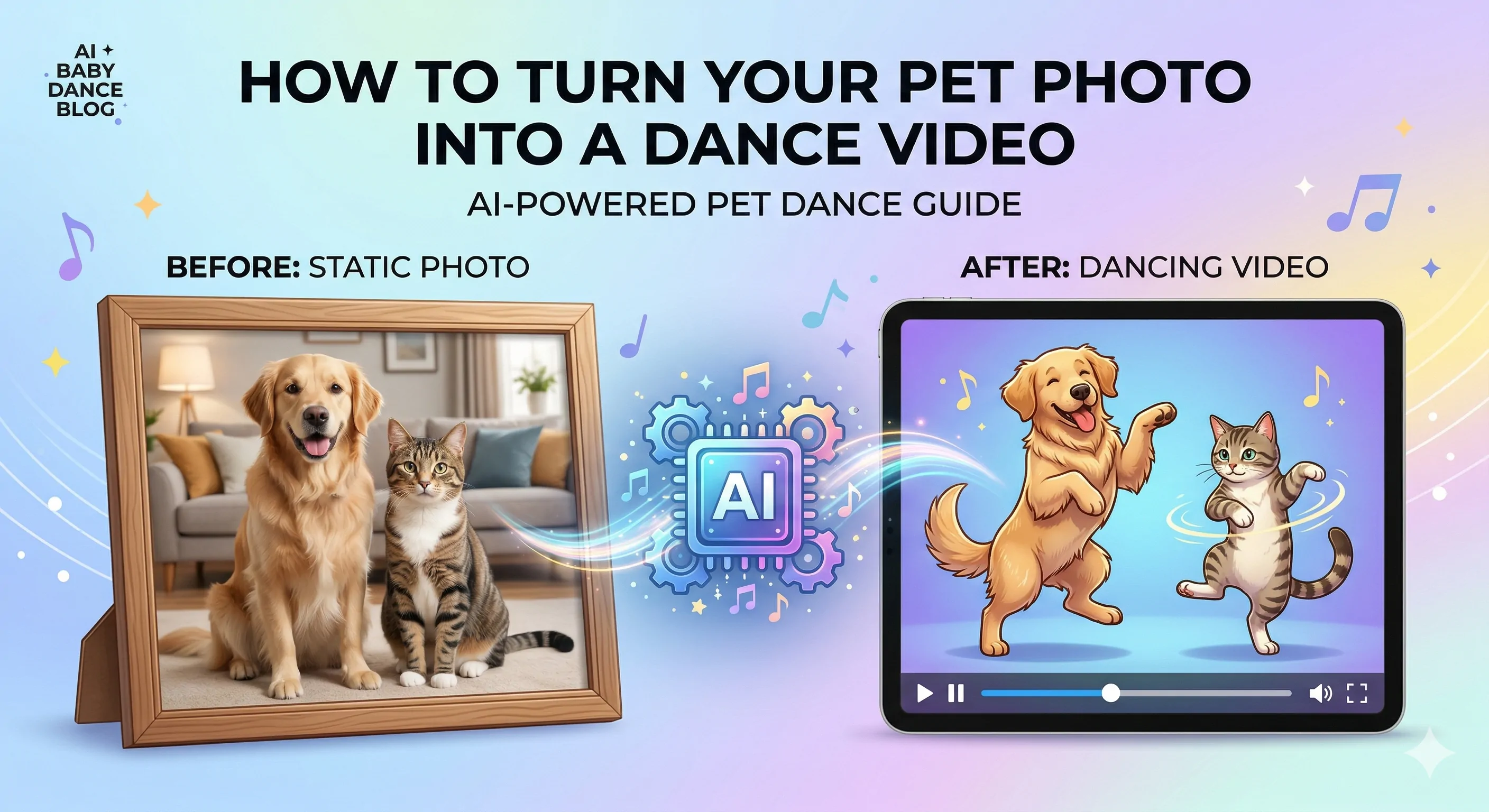
How to Turn a Pet Photo into a Dancing Video
Learn how to turn a dog or cat photo into a funny dancing video. See what photo works best, when to fix the image first, and how to generate the final pet dance clip.
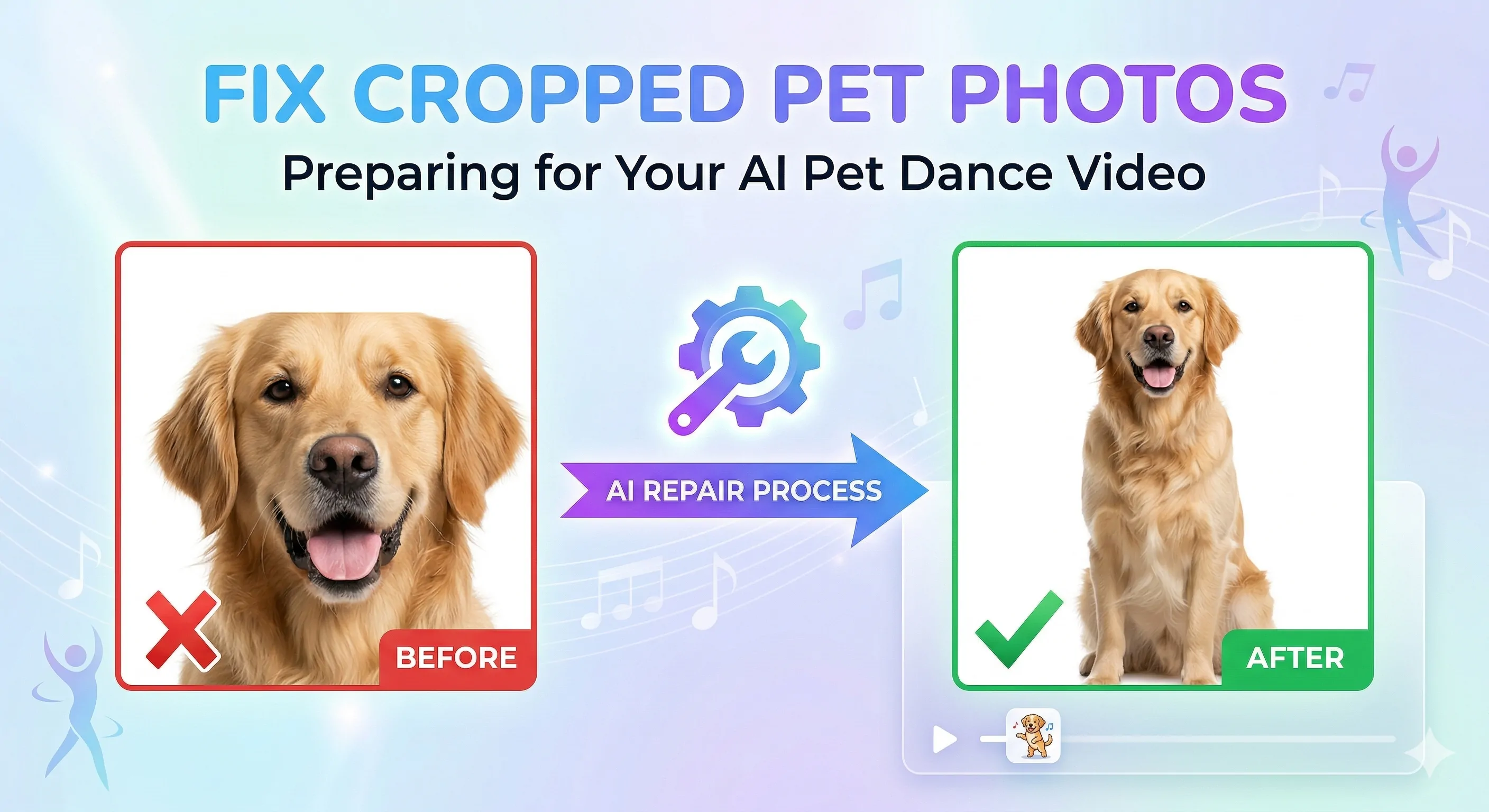
How to Fix a Cropped Pet Photo Before Making a Pet Dance Video
Learn how to fix a cropped dog or cat photo before making an AI pet dance video. See why bad framing causes weak results and how to prepare the image for animation.
Best Dog and Cat Photos for AI Pet Dance Videos
See which dog and cat photos work best for AI pet dance videos. Learn what makes a good input image, what to avoid, and how to fix weak photos before animation.
Newsletter
Join the community
Subscribe to our newsletter for the latest news and updates