Start with moderate motion
Use a simple bounce or wiggle first when the face must stay stable or the photo is not full body.
Pick a baby dance motion before you generate. Templates make the workflow more predictable than prompts because you can start from a real movement pattern and match it to your photo.
Preview cute, funny, short, and high-energy motion templates. Select one template, then upload your baby photo in the generator below.
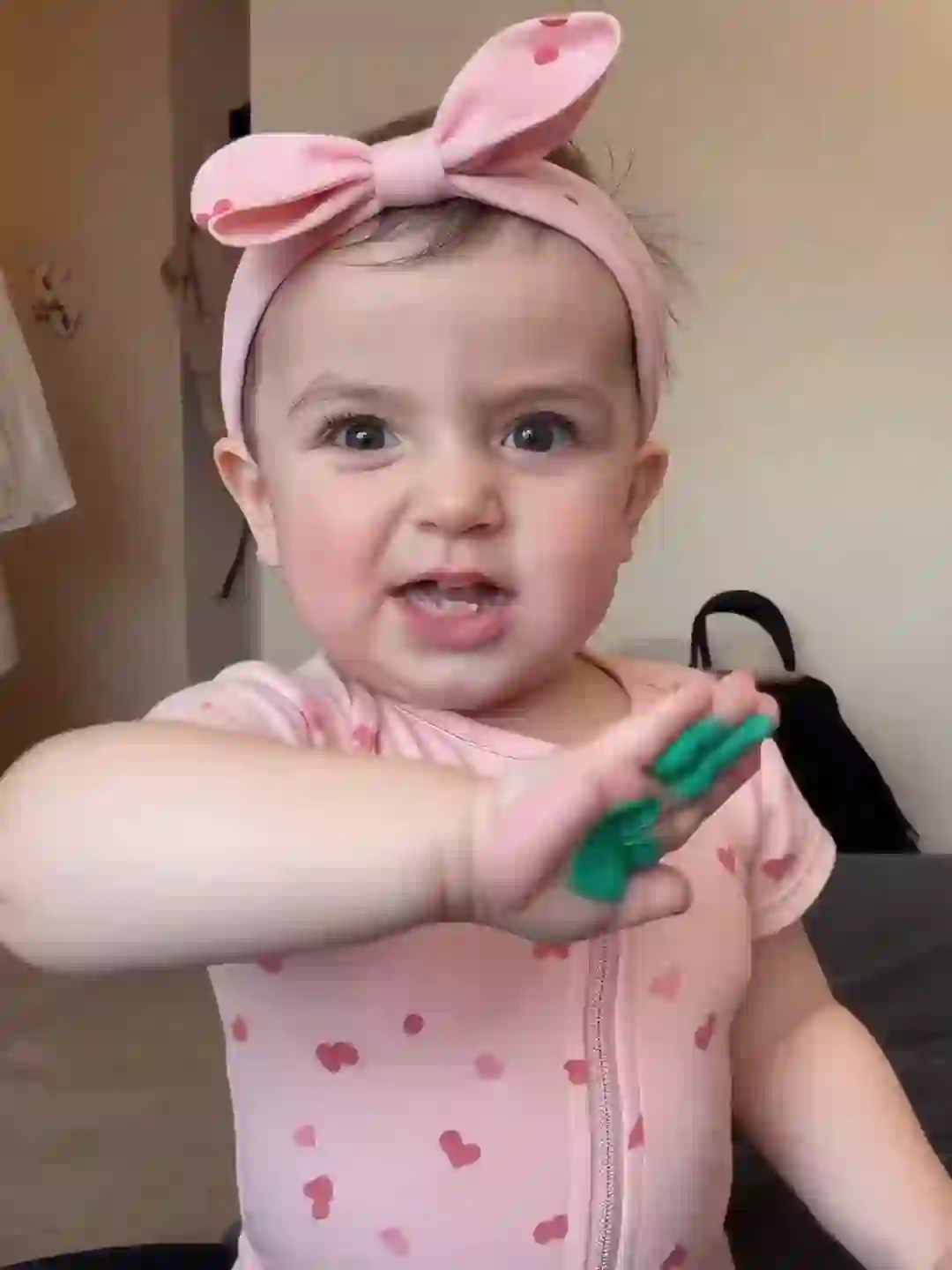
Cute Baby Dance
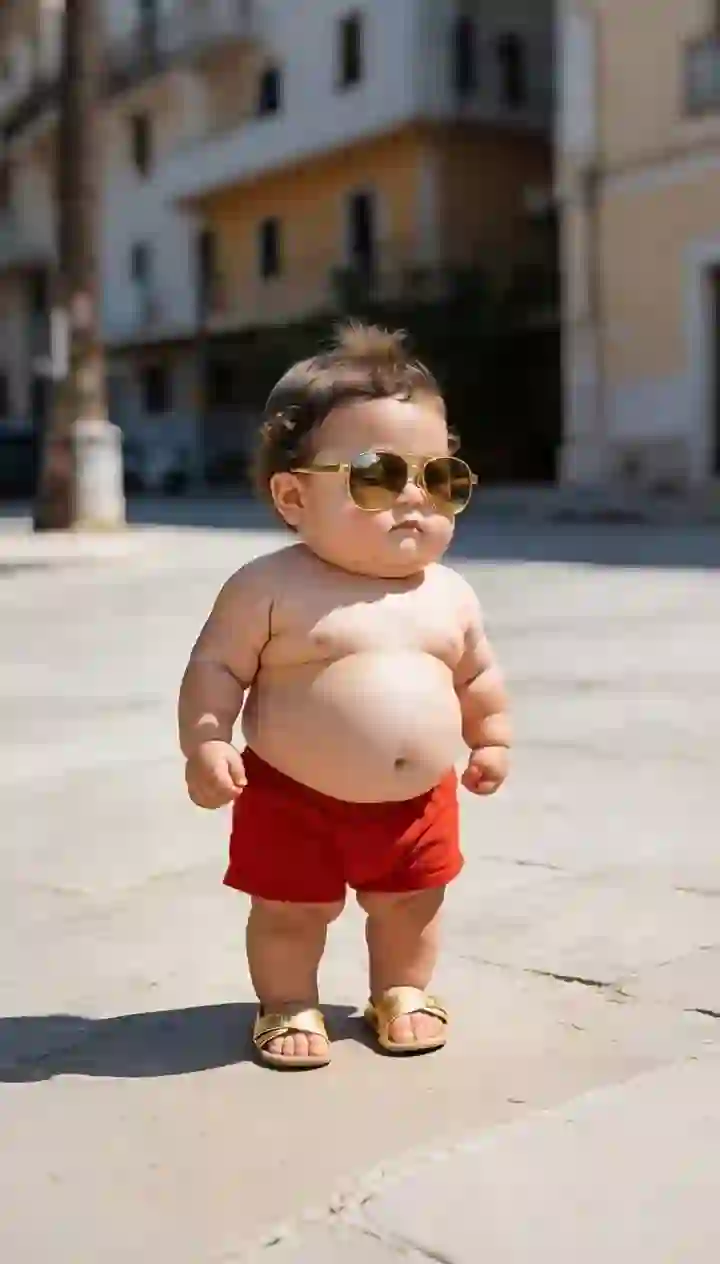
Baby Dance
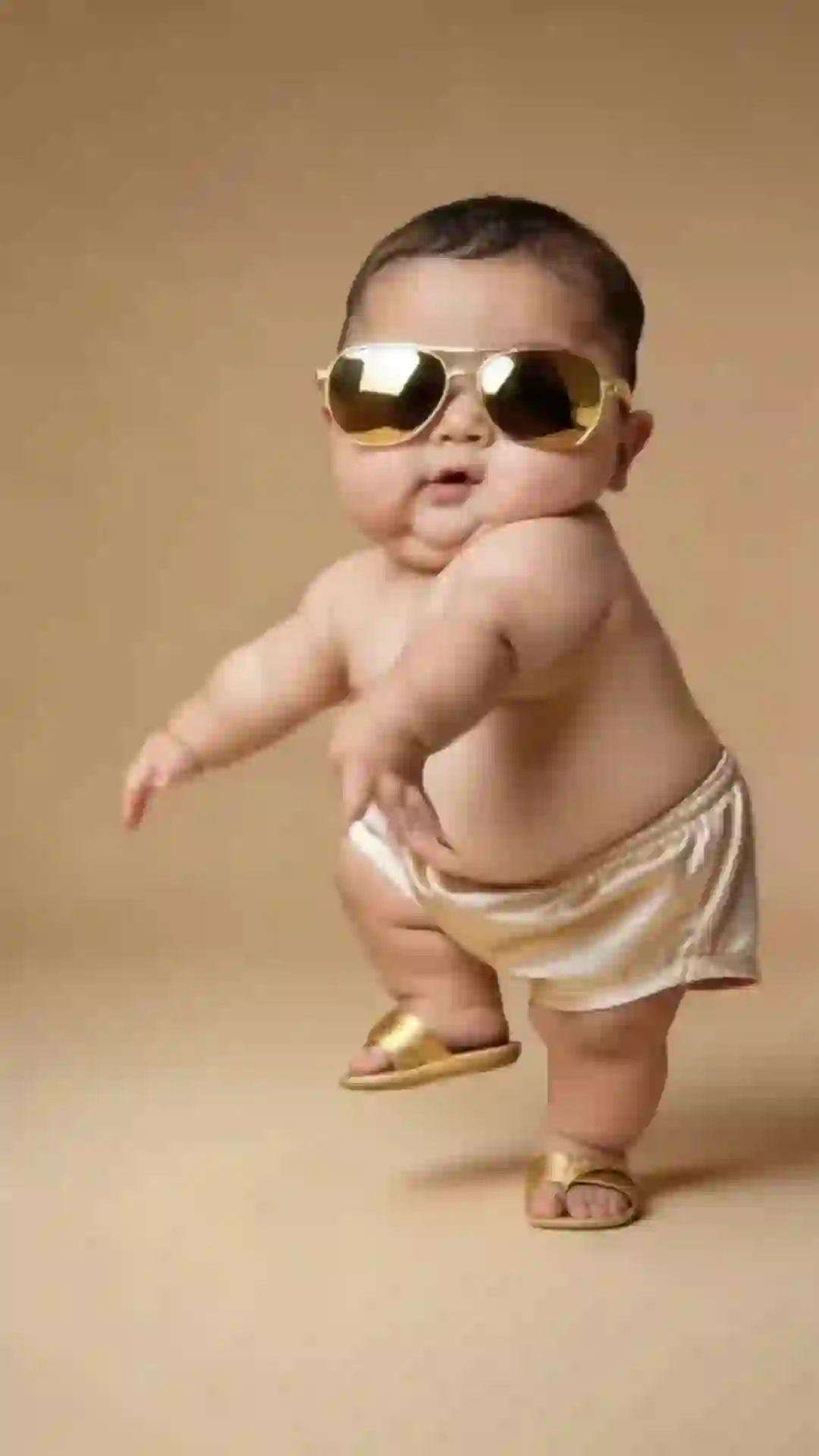
Cute Dance
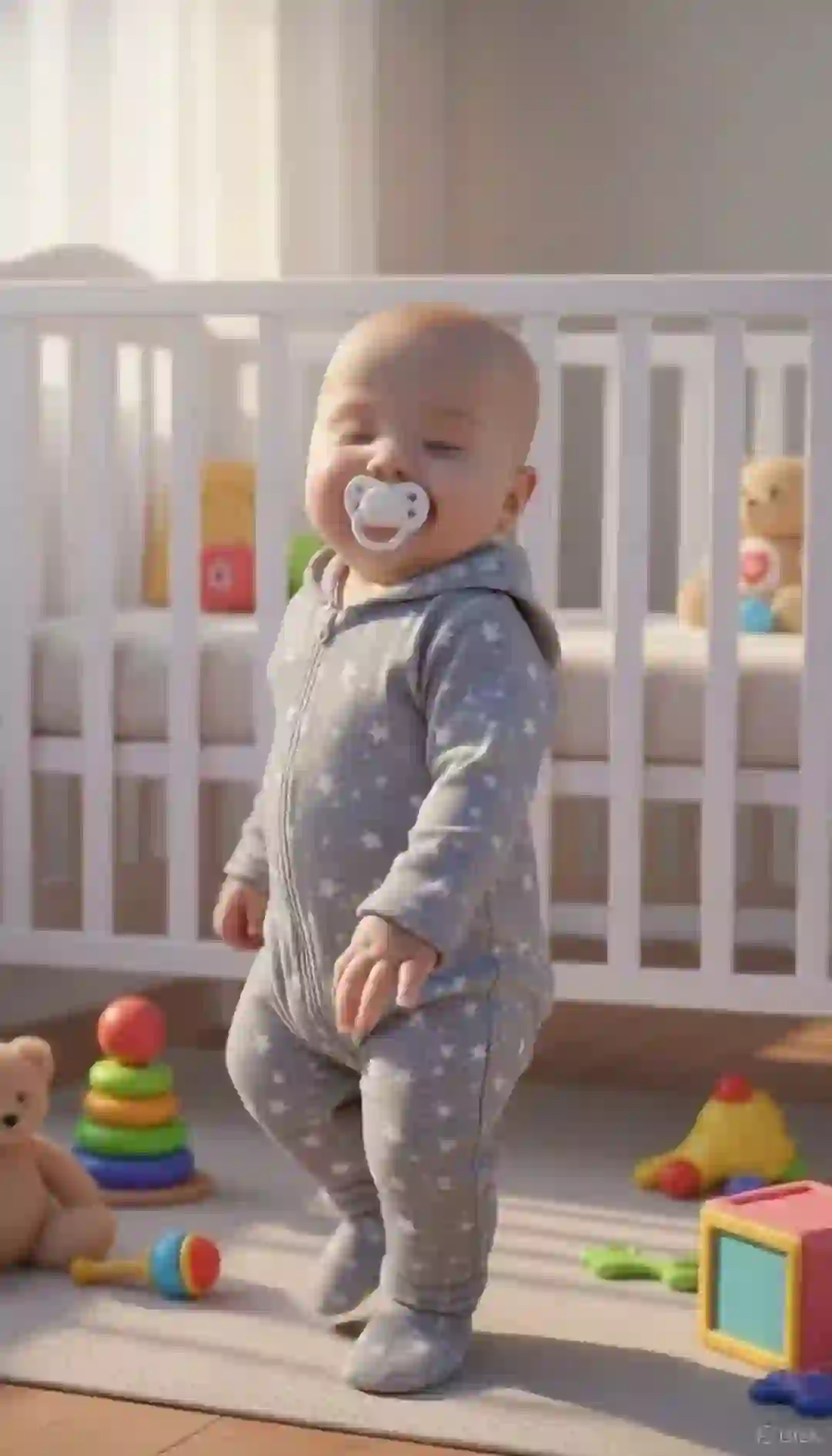
Dancing Baby
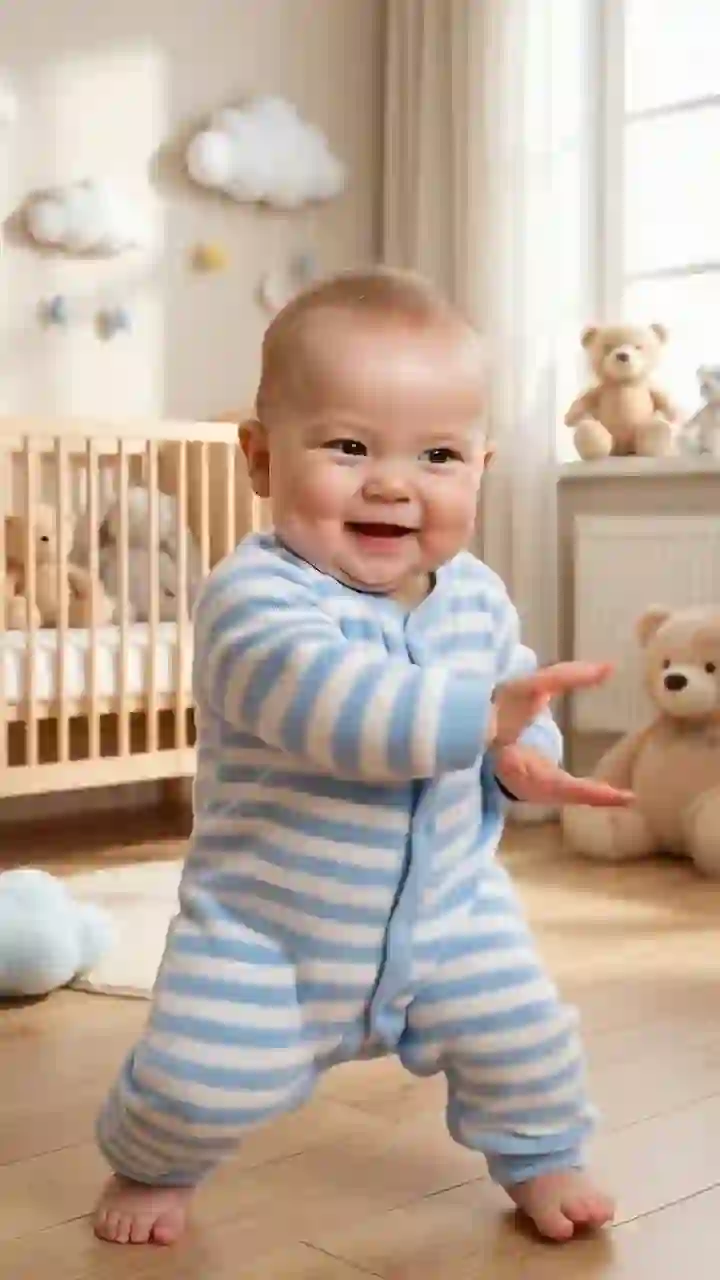
Cute Wiggle
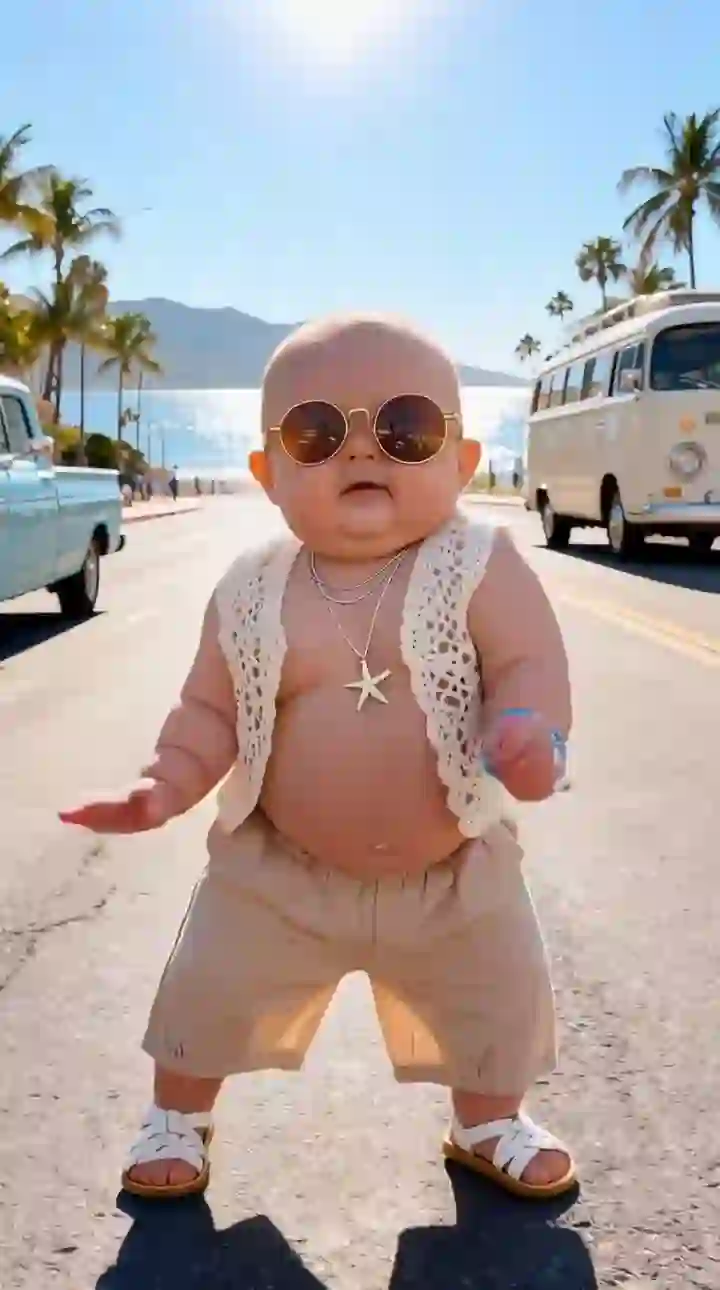
Starter Groove
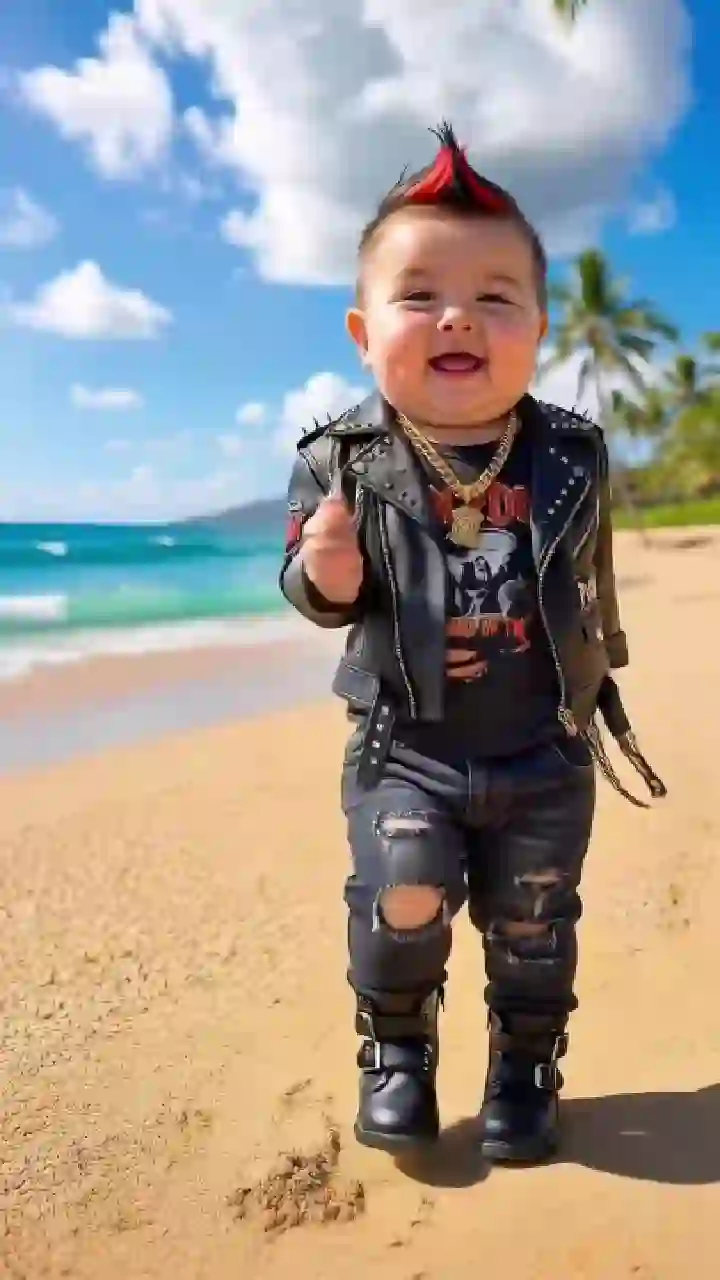
Playful Moves
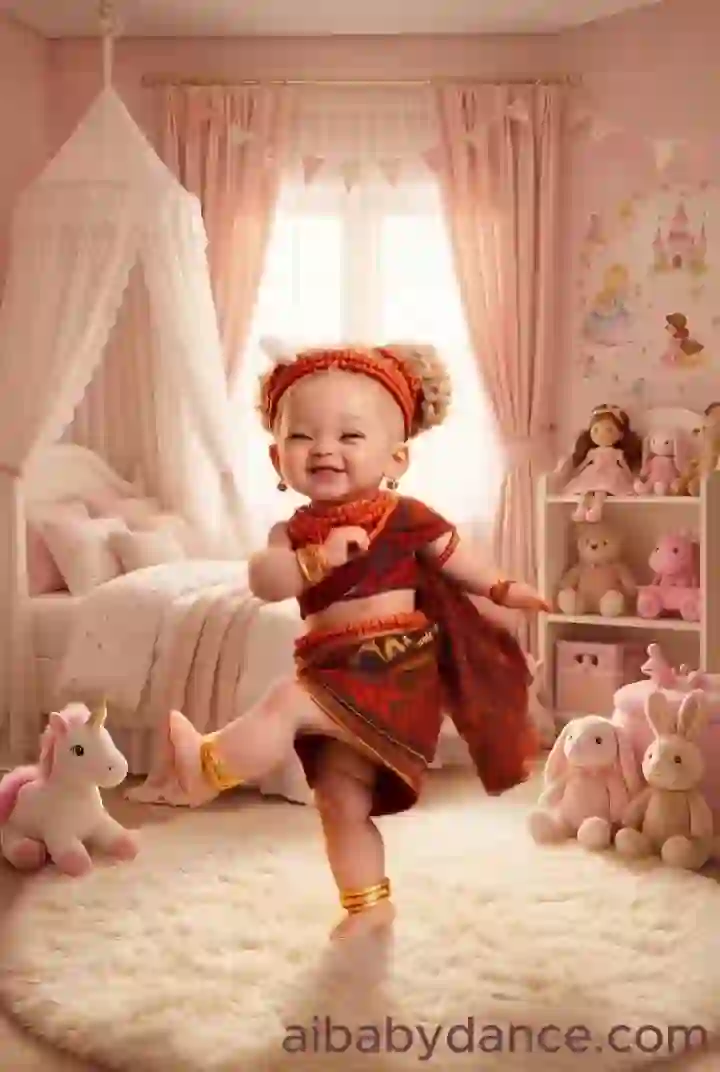
Joyful Bounce
Upload a baby photo, keep or improve the image, and generate a dancing baby video from the selected motion template.
The best template depends on photo framing, motion intensity, and where you want to share the clip.
Use a simple bounce or wiggle first when the face must stay stable or the photo is not full body.
Close-up photos usually work better with shorter, safer movements. Full-body photos can handle bigger dance motions.
Longer templates can work better for Reels or Shorts when you need a fuller visual story instead of a quick gag.
If the image is cropped, blurry, or messy, prepare it before generating so the motion model has a cleaner starting point.
A template is only half of the result. If the source image is cropped, side-facing, blurry, or missing body context, use the dance image editor first or use the built-in image prep flow inside the generator.
Expand tight portraits or missing limbs into a stronger dance-ready frame.
Clean visual noise so the subject is easier to animate.
Improve clarity before motion starts so identity is easier to preserve.
Center the subject before choosing higher-energy templates.
Templates turn the baby dance workflow into a visible choice instead of a guessing game.
You can see the rhythm and movement style before you upload and generate.
Instead of describing a dance in text, choose a known motion pattern and let the model follow it.
Short, moderate, and high-energy templates give you practical choices for different source images.
Templates are sized for quick TikTok, Reels, and Shorts-style baby dance clips.
Use the built-in image prep workflow or Dance Image Editor when the original photo is not ready.
Once you choose a template, scroll to the generator and create from the same page.
Quick answers about choosing and using baby dance templates.
Preview the motion, upload a photo, improve it if needed, and generate a dancing baby video from one workflow.