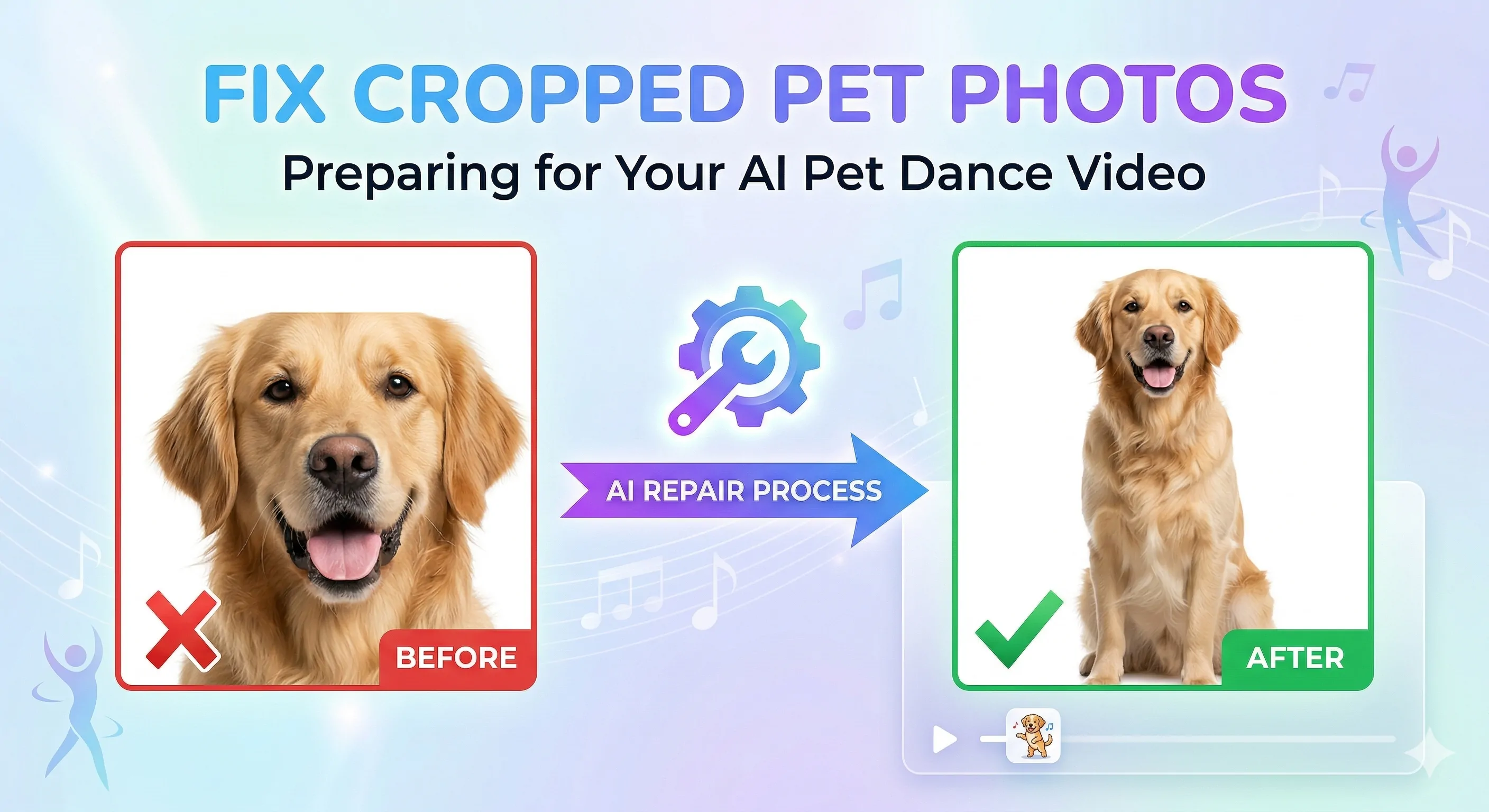
How to Fix a Cropped Pet Photo Before Making a Pet Dance Video
Learn how to fix a cropped dog or cat photo before making an AI pet dance video. See why bad framing causes weak results and how to prepare the image for animation.
A cropped pet photo is one of the most common reasons an AI dance video looks awkward. When the image cuts off the body too tightly, the model has less information to work with, and the final motion can feel stiff, incomplete, or unnatural.
The good news is that many weak inputs can be improved. In this guide, you will learn how to spot a cropped or incomplete pet photo, how to fix it with Dance Image Editor, and when to move on to AI Pet Dance for the final video.
Why Cropped Pet Photos Cause Weak Animation
AI dance video generation works better when the subject has enough visible structure. When a dog or cat is cut off too tightly, the model may struggle to infer posture, balance, and body extension.
This often leads to results like:
- awkward movement
- incomplete-looking poses
- unnatural body transitions
- poor visual balance in the final video
The issue is usually not the pet itself. It is the framing. Even a clear, high-quality phone photo can become a weak animation input if the body is missing key information.
This is especially common with pets because people often shoot them quickly, indoors, and at close range. The photo may feel spontaneous and charming, but that same closeness can make animation harder.
Common Crop Problems in Pet Photos
A pet photo may need fixing when:
- paws are cut off
- the tail is missing
- part of the body is outside the frame
- the subject fills the whole image too tightly
- furniture blocks key body parts
- the pet blends into the background
These are very common problems in casual phone photos. Cats on beds, dogs sitting near sofas, and pets leaning toward the camera all create frames that feel cozy in a still image but cramped for motion generation.
How to Tell Whether the Photo Needs Editing First
Before generating a pet dance video, ask these questions:
- Can I clearly see most of the pet’s body?
- Is the pose readable?
- Is the subject separated from the background?
- Does the image feel cramped?
- Are important body parts cut off?
If the answer to several of these is no, it is better to fix the image first. This is not about perfection. It is about giving the model a more complete picture of the pet so it can build cleaner motion.
One simple way to think about it is this: if a person who has never seen the photo before cannot quickly understand the pet’s body position, the model may struggle too.
If you are still unsure what counts as a strong input, see our guide to the best dog and cat photos for AI pet dance videos.
How to Fix the Photo with Dance Image Editor
The goal is not to make the image perfect. The goal is to make it more usable for animation.
With Dance Image Editor, focus on:
- improving framing
- giving the pet more breathing room
- making the subject easier to read
- cleaning up distracting background elements
- making the body feel more complete
A cleaner, more balanced image gives the generator a better base for motion. It also reduces the chance that the final clip will feel visually cramped or anatomically unstable.
This is one of the most practical upgrades you can make to the whole workflow. Instead of generating from a weak image and hoping for the best, you improve the source once and carry that stronger input forward.
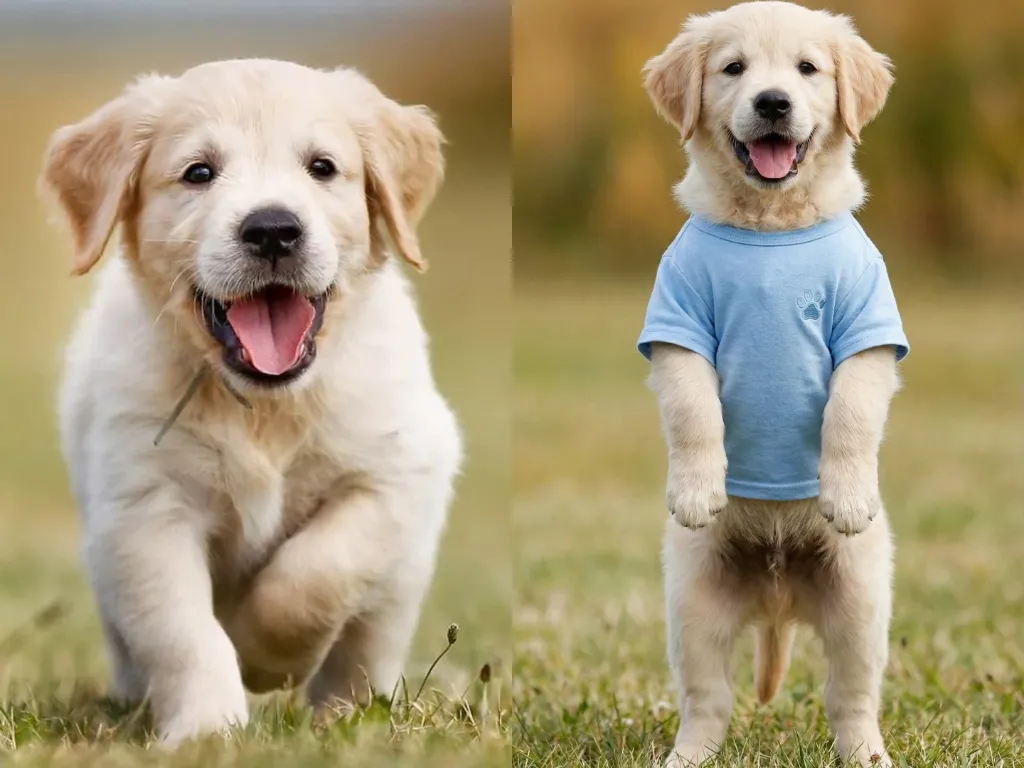
What a Motion-Ready Pet Photo Looks Like
A motion-ready image usually has:
- a clearly visible pet
- enough body information
- balanced composition
- a clean enough background
- no major missing areas around the main subject
It does not need to be studio quality. It just needs to give the model enough visual structure to build believable motion. In many cases, a casual but balanced phone photo will outperform a more dramatic image with bad framing.
The best motion-ready pet photo usually feels open rather than cramped. There is enough room around the body, enough light to separate the pet from the background, and enough visible anatomy to support motion.
Generate the Final Video with AI Pet Dance
Once the image is fixed, go to AI Pet Dance and generate the final clip.
A simple workflow works best:
- check whether the original photo is cropped
- fix the image if needed
- upload the improved version
- choose a pet-friendly dance template
- generate the final video
This two-step process is usually much more reliable than forcing a weak input into the generator. It also makes iteration easier. If the first output still feels off, you know the problem is more likely the template choice or motion style rather than the base image.
If you want the full workflow from photo choice to sharing, read how to turn a pet photo into a dancing video.
Before-and-After Tips
A few practical rules help a lot:
- avoid extreme close-up photos
- keep one main subject
- do not rely on heavily hidden poses
- improve framing before animation
Why Better Framing Leads to Better Pet Dance Results
People looking for an AI pet dance workflow usually want a result that feels fast, fun, and easy. What often frustrates them is not the idea of the tool. It is getting a weak output from a photo they love.
That is why this prep step matters so much. Fixing the image helps align the workflow with user expectations:
- less wasted generation
- cleaner results
- stronger template fit
- better shareability
A pet dance video is most satisfying when the final clip still feels like your pet. Better framing helps preserve that feeling and often saves time that would otherwise be spent regenerating from a weak input.
FAQ
Can I use a cropped dog photo for AI pet dance?
Sometimes, but a cropped image often leads to weaker motion. Fixing it first usually helps.
What if my cat’s tail or paws are cut off?
That is a common reason for unstable results. Try improving the framing before generating the final video.
Should I edit the photo before generating?
Yes, especially when the image feels cramped or incomplete.
Does fixing the photo improve the final dance video?
In many cases, yes. Better framing gives the model more useful visual information.
If your image is cropped or awkwardly framed, start with Dance Image Editor. Once the photo is ready, create the final clip with AI Pet Dance.
Author

More Posts
Best Dog and Cat Photos for AI Pet Dance Videos
See which dog and cat photos work best for AI pet dance videos. Learn what makes a good input image, what to avoid, and how to fix weak photos before animation.
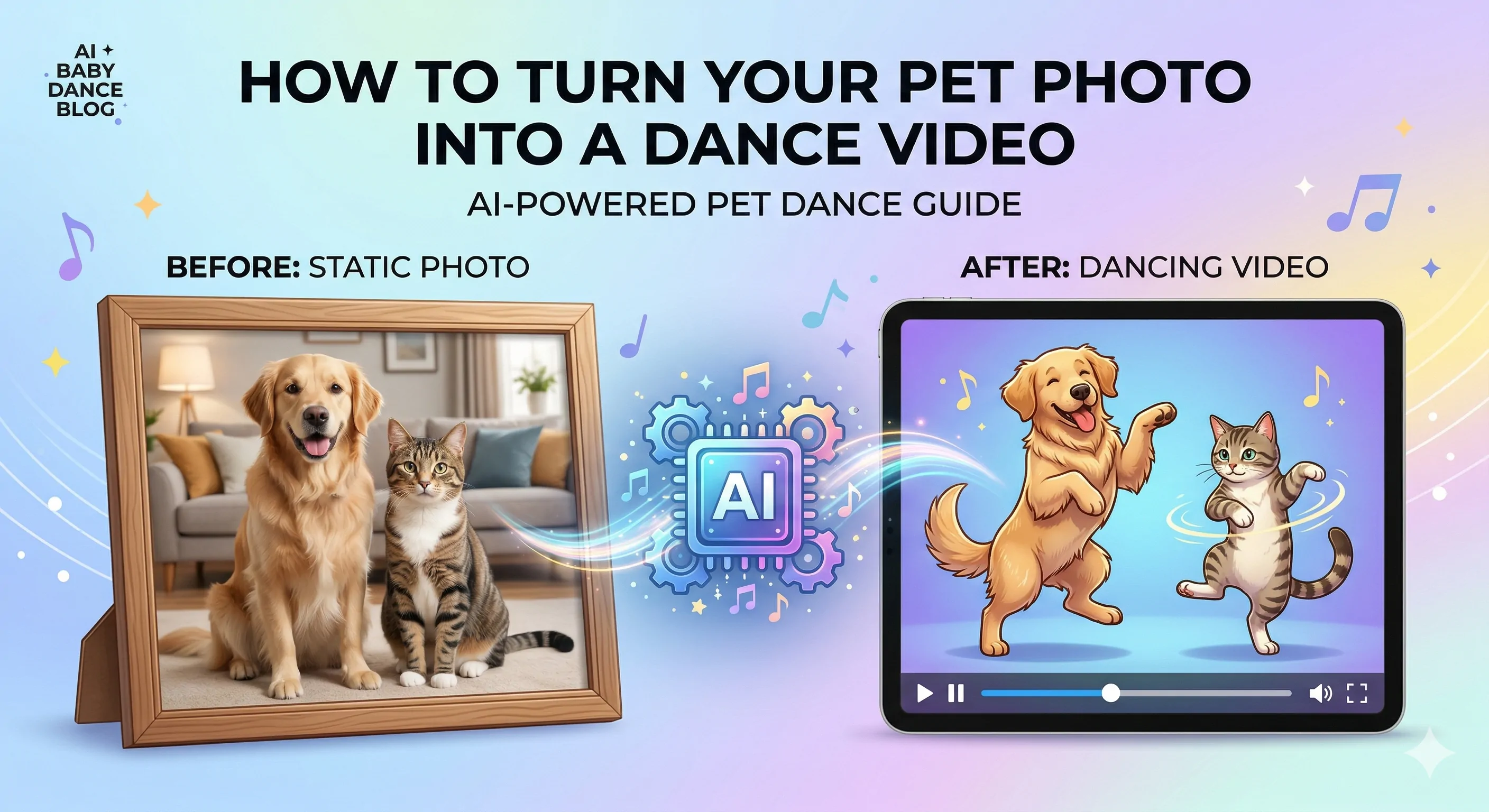
How to Turn a Pet Photo into a Dancing Video
Learn how to turn a dog or cat photo into a funny dancing video. See what photo works best, when to fix the image first, and how to generate the final pet dance clip.
How to Turn Your Baby Photo into a Viral Dance Video in 2 Minutes (2026 Guide)
Want to make your baby dance like a TikTok star? Learn how to use the best AI Baby Dance generator to turn static photos into viral videos in minutes. No editing skills needed.
Newsletter
Join the community
Subscribe to our newsletter for the latest news and updates