Kling AI Baby Dance: Motion-Controlled Baby Dance Videos from One Photo
Generate viral baby dance videos from a single photo. Kling 3.0 Motion Control ensures perfectly stable movement and consistent facial features, eliminating the need for complex prompts.
Try Kling 3.0 Motion Control
Upload a photo and select a motion template to create a kling ai baby dance video. Motion control focuses on stable movement and consistent identity, so you can get great results without writing prompts.
Kling AI Baby Dance
Baby photo + dance template + motion control
Upload baby photo
JPG, PNG, WebP (max 10MB)
Upload baby photo
JPG, PNG, WebP (max 10MB)
Credits are consumed when generation starts. Failed generations are refunded.
Previewing: Starter Groove
Your photos are processed securely and never stored.
Proof in Motion: 4 Features That Matter
Each section shows an image and a demo video when it enters view. These four reasons make kling ai baby dance with motion control a strong fit.
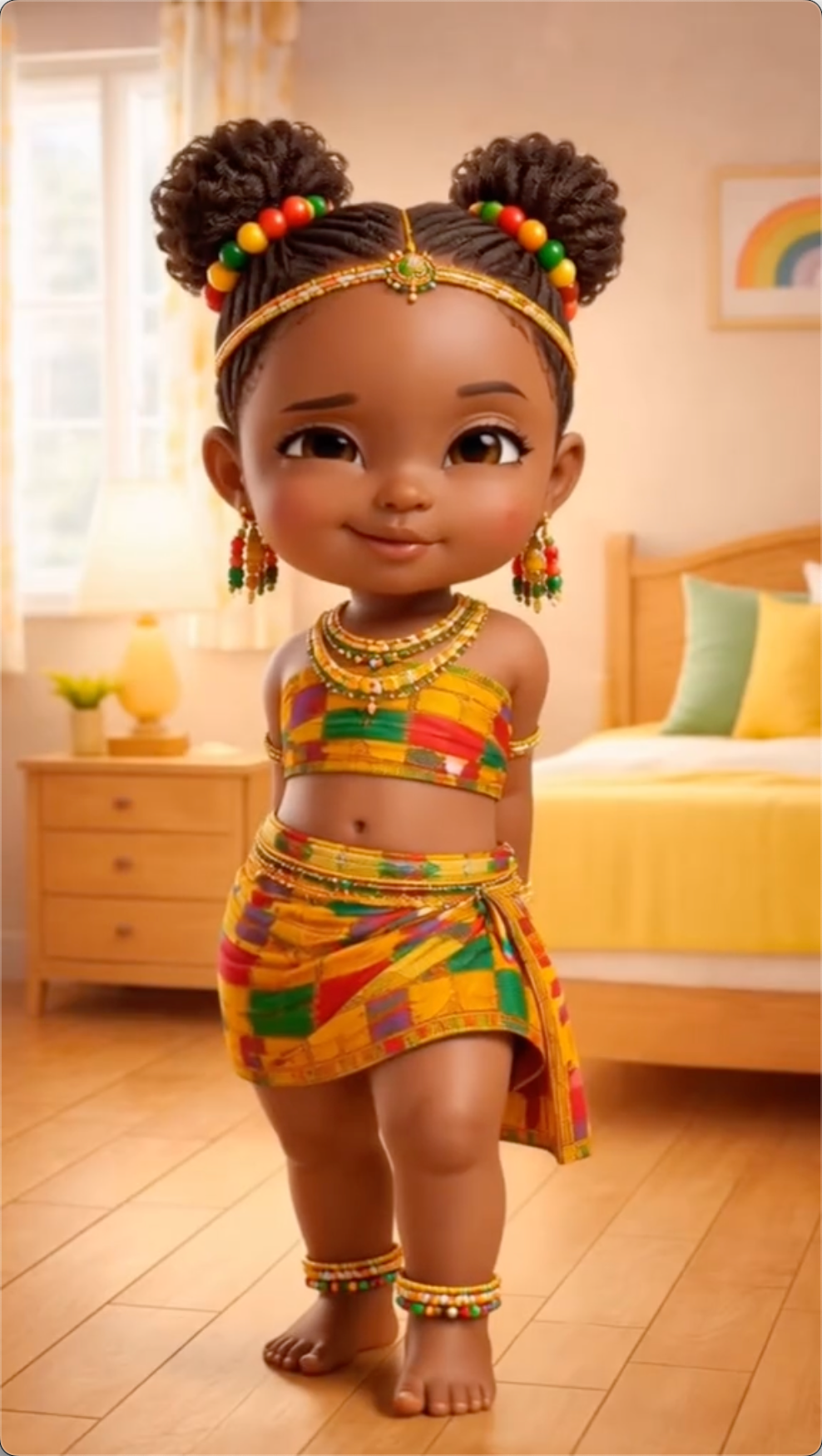
Stable baby-sized motion
Designed to keep small-body movement readable. Motion control reduces jitter and sudden pose jumps, so the dance looks cute instead of chaotic.
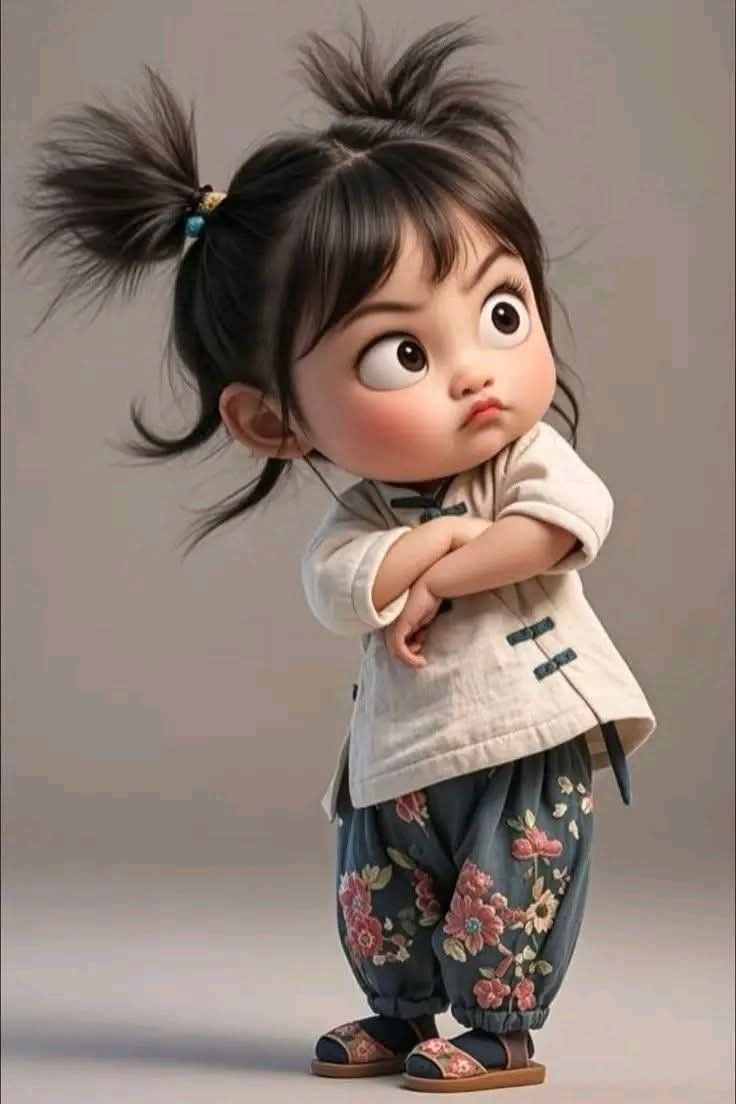
Identity and face consistency
Parents care most about recognition. Face consistency is treated as a first-class goal so the baby remains recognizable throughout the whole clip.
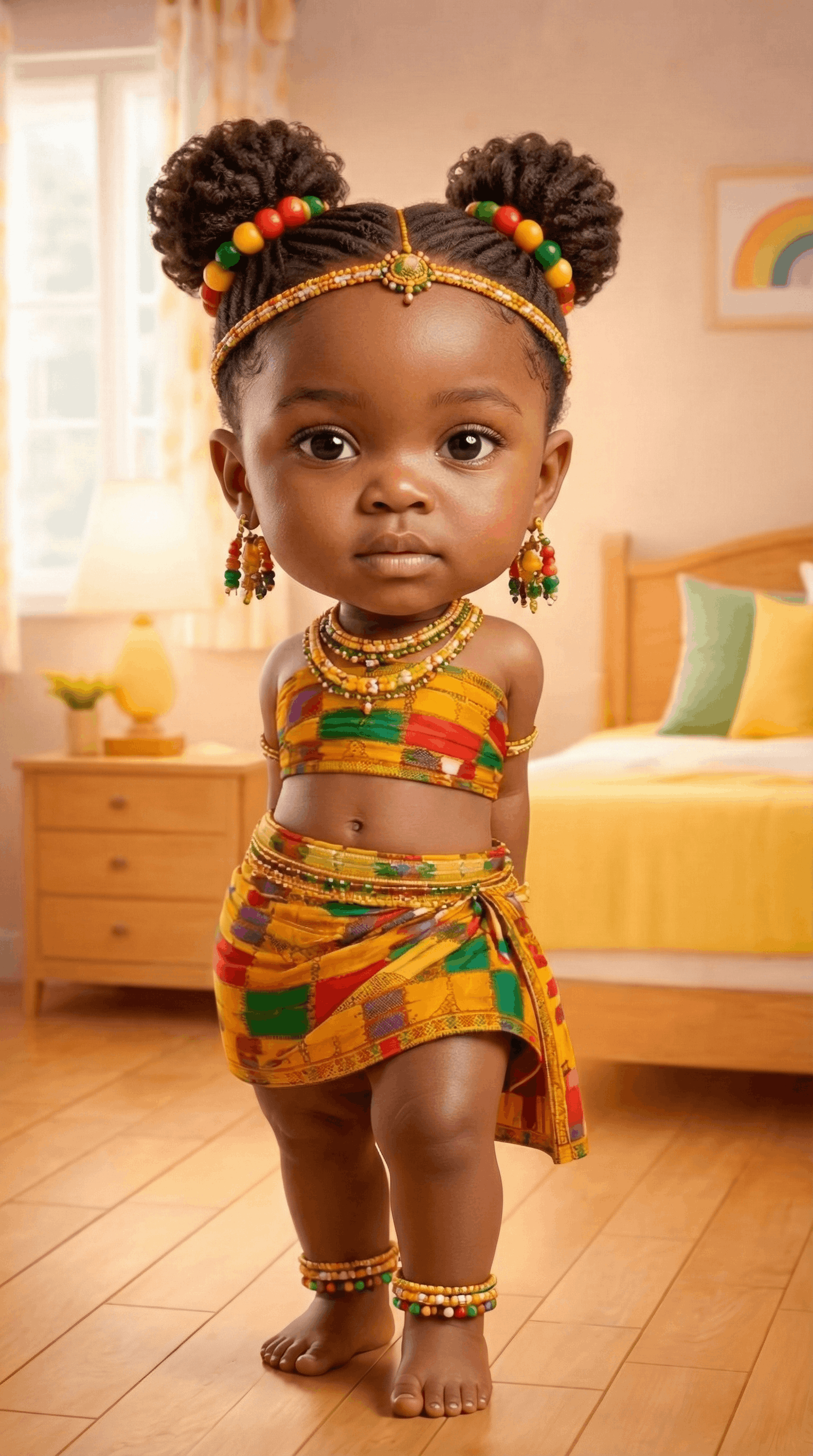
Smooth camera that feels real
A gentle camera makes the video feel filmed, not generated. Subtle movement also helps reduce background tearing.
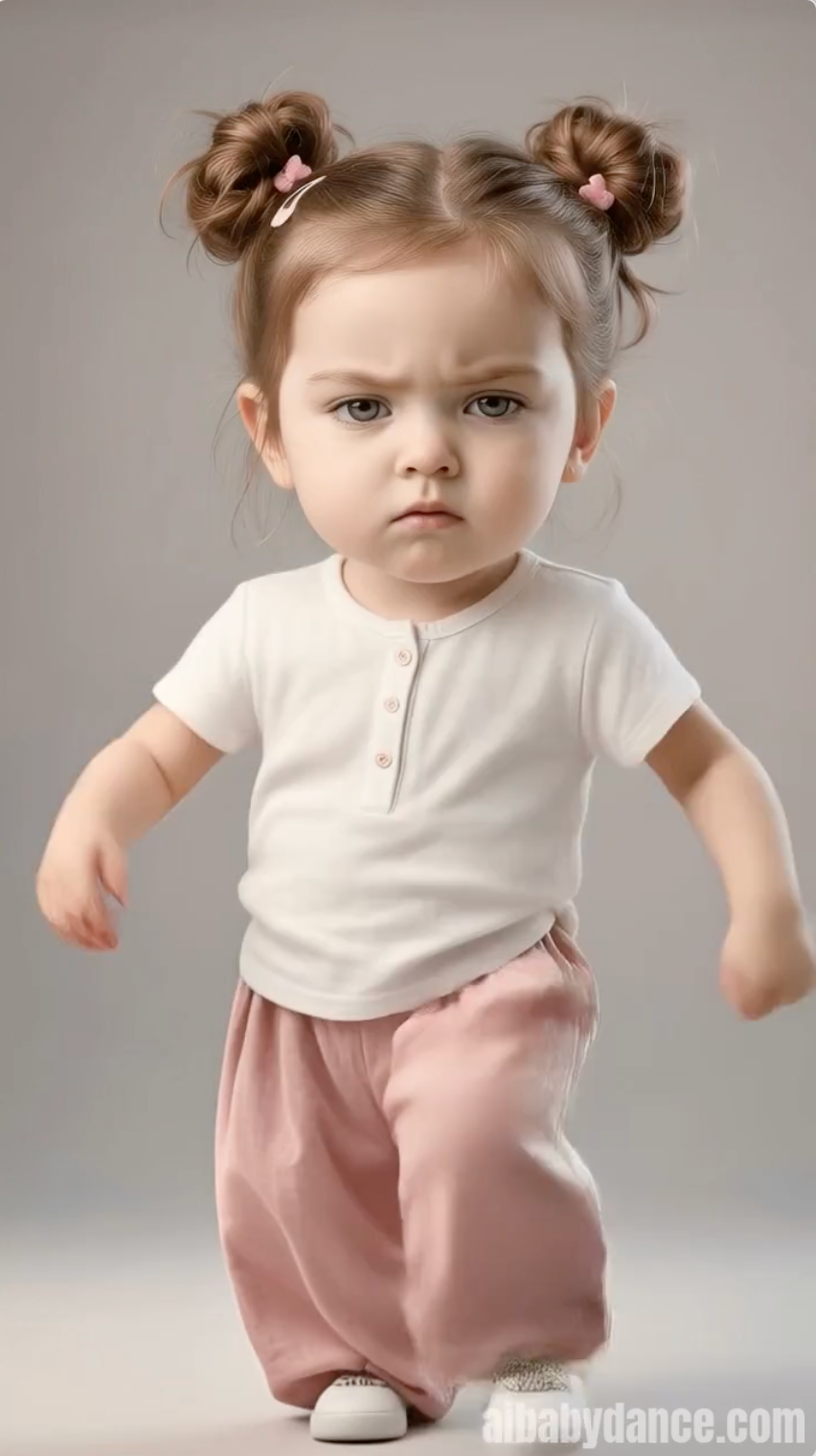
Hands and micro gestures
Cute baby dance moments often come from small gestures—waves, claps, and tiny bounces. Motion control helps keep these details more consistent.
Why Kling AI Baby Dance Works Better for Babies
Baby dance is a special case: tiny bodies, subtle gestures, and highly sensitive face identity. This page explains why kling ai baby dance with motion control tends to look more realistic—and how to get consistent results without prompt engineering.
1) Baby dance is harder than it looks
A baby dance clip feels ‘real’ only when small movements stay smooth and on beat. When a model improvises motion frame by frame, you may see jitter, limb wobble, or sudden pose changes.
Because babies have short limbs and small hands, tiny errors are obvious. That’s why controlled motion plus identity consistency matters more here than flashy scene effects.
2) Motion control replaces prompt guessing
Prompts can be ambiguous: you write text, run it, and hope the model interprets the dance the way you imagined. Motion control flips the workflow by letting you select a motion pattern (template or reference) and having the model follow it.
Treat motion as a controllable input—tempo, amplitude, and rhythm. Constraining motion reduces random jumps and makes timing easier to keep consistent across the clip.
3) Identity consistency is the real benchmark
Parents judge a baby dance video like a memory: if the face changes, it’s not their baby anymore. Prioritize an unobstructed, well-lit face and avoid extreme angles.
Motion choice affects identity too. If a template has rapid head turns or strong camera swings, recognition gets harder. Start with moderate motions, then increase energy once the face stays stable.
4) A quick workflow you can repeat
Use a clear photo, pick a motion that matches the framing, and keep the first clip short (6–12 seconds). Short clips reduce drift and are easier to regenerate.
If a result is close, change only one variable at a time (photo, motion, or duration). This makes iteration predictable and helps you quickly converge on a clean, shareable output.
How to Create Kling AI Baby Dance Videos
Generate a baby dance video with motion control in minutes—no prompt writing, just clear inputs and the right motion.
Upload Baby Photo
Use a clear, well-lit photo showing the baby’s face and upper body for better identity consistency.
Choose Motion (Template or Reference)
Pick a motion template that matches the photo framing. Start with moderate moves for the cleanest results.
Generate & Download
Generate, preview, and download. If hands break or the face drifts, regenerate with a calmer motion.
Kling AI Baby Dance Motion Control Playbook (No Prompt Needed)
Use this checklist to improve stability and identity. It’s designed for motion control workflows—choose the right motion, keep constraints tight, and regenerate strategically.
Choose a photo with a clean face anchor
The best inputs show eyes, cheeks, and hair clearly. Avoid heavy shadows and face occlusions so identity stays consistent through motion.
Match framing to motion
Half‑body photos pair best with half‑body motion. Full‑body motion on a tight crop can cause warping. Framing alignment improves stability.
Start with moderate tempo
High-energy moves increase hand and face drift risk. For the first attempt, choose a calmer motion and scale up after you confirm identity is stable.
Keep camera movement gentle
Baby dance clips look most realistic with subtle camera motion. Gentle movement helps avoid background tearing and sudden facial changes.
Regenerate with one variable changed
If a result is close, change only one thing: photo, motion, or duration. This makes iterations predictable and faster to improve.
Optimize for mobile viewing
Most viewers watch on phones. A short, clean clip often performs better than a longer clip with more chances for artifacts.
Tips for Better Results
Get the most out of Kling 3.0 Motion Control—stable motion, consistent identity, and clean mobile-ready results.
Match Body Framing
Match the photo crop to the motion. Half-body photos pair with half-body motion; full-body motion needs full-body framing to avoid warping.
Clear Visibility
Keep eyes, cheeks, and hairline visible. Avoid hands over the face, heavy hats, and strong shadows to reduce face drift.
Leave Space for Movement
Leave a little background around shoulders and arms. Tight crops increase artifacts, especially in faster motions.
Good Lighting
Use soft, even lighting. Avoid harsh side light and heavy color casts; a clean photo matters more than extra settings.
Kling AI vs Other Video Generators
The real decision on this page is not just Kling vs other models. It is whether Kling 2.6 is enough for your clip, or whether your dance template is complex enough that Kling 3.0 is worth the higher credit cost.
| Feature | Kling 3.0 Motion Control | Kling 2.6 Motion Control | Google Veo 3.1 | OpenAI Sora 2 Pro |
|---|---|---|---|---|
| Best For | Users who want stronger motion quality on harder dance templates | Most users who want cute results at the lowest cost | General cinematic video generation | General prompt-driven video generation |
| Motion Stability | Best when the dance has faster or wider motion changes | Strong for simpler templates and moderate motion | Strong general motion, not built around this workflow | Strong general motion, not built around this workflow |
| Complex Dance Handling | Better fit for high-energy, larger-amplitude, or trickier templates | Better fit for safer, repeatable, lower-risk templates | General creative motion, less template-oriented | General creative motion, less template-oriented |
| Identity Under Motion | Better upgrade path when motion intensity starts hurting face consistency | Good default when motion intensity is moderate | Strong model, but input policy is restrictive here | Strong model, but input policy is restrictive here |
| Workflow Fit For This Page | Image + motion video | Image + motion video | Not optimized for baby-photo dance template workflow | Not optimized for baby-photo dance template workflow |
| When To Choose It | Use when Kling 2.6 feels too soft, jittery, or inconsistent on your chosen dance | Use first for everyday templates, faster iteration, and lower credit risk | Use for broader non-baby video exploration | Use for broader non-baby video exploration |
| Cost Positioning | Higher cost, justified when it saves reruns on difficult clips | Best value default | Platform-priced general model | API model |
| Free Tier | ❌ Pro only | ✅ 20 bonus credits for custom template generation | Google Cloud credits may apply | ❌ API access |
* Based on official model and platform documentation available on March 19, 2026.
Kling 2.6 should stay the default for most users because it is cheaper and already works well for simple, cute dance templates. Kling 3.0 earns its place as the upgrade option when you want cleaner motion on faster, bigger, or more demanding dance moves and are willing to pay more to reduce failed-looking outputs and reruns.
Use Cases for Kling AI Baby Dance
Creative ways to use motion control for baby content. Easy to repeat and export.
Social Media Content
Create short, loopable videos for TikTok, Instagram Reels, and YouTube Shorts.
Family Memories
Turn baby photos into animated keepsakes and share a clean MP4 with family.
Birth Announcements
Make a short reveal clip that stands out beyond a typical photo slideshow.
Digital Gifts
Create a personalized dancing baby video as a digital gift.
Kling AI Baby Dance FAQ
Frequently asked questions about our Kling-powered generator
Ready to Make Your Baby Dance?
Create adorable dancing baby videos in seconds. No skills required — just upload a photo and watch the magic happen!