GPT Image 1.5 Generator
Create photorealistic outputs and controlled edits with quality-level tuning for faster drafts or premium detail.
GPT Image 1.5
Reference Image0/8
Upload Reference Image
Drag and drop an image here, or click to select
0 / 6,000
Resolution
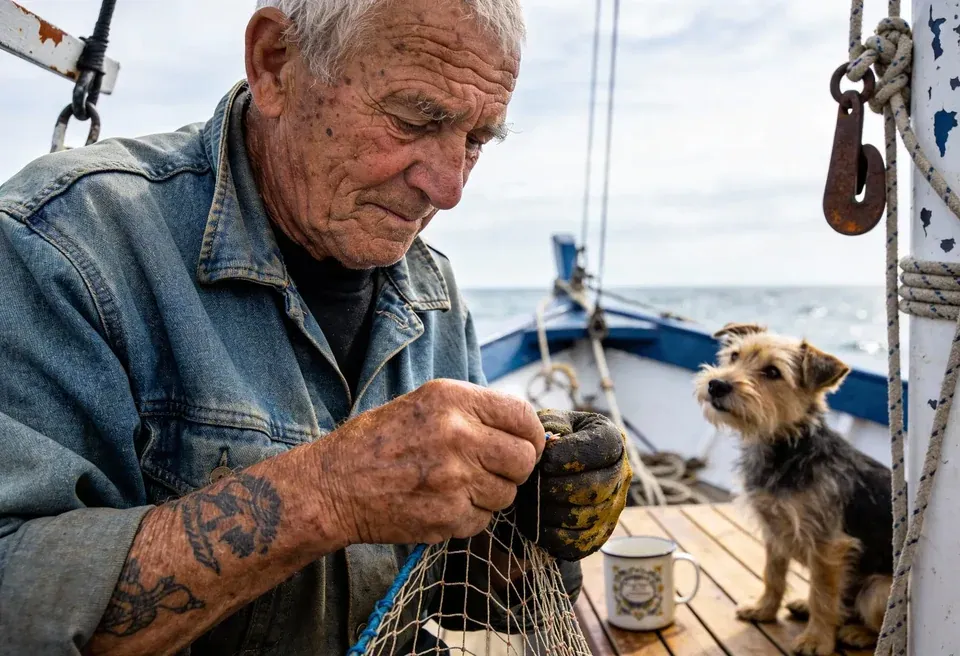
Images are saved to My Creations. You can view or delete them there at any time.
GPT Image 1.5
Reference Image0/8
Upload Reference Image
Drag and drop an image here, or click to select
0 / 6,000
Resolution
Images are saved to My Creations. You can view or delete them there at any time.
GPT Image 1.5: Controlled Quality for Realistic Generation and Edits
Use medium mode for fast iteration and high mode for richer detail, while preserving composition intent across text and edit workflows.
Quality modes
Choose medium or high quality based on speed and fidelity needs.
Edit-preserving prompts
Good for changes that keep identity, pose, and scene structure.
Focused ratios
Simple 1:1, 3:2, and 2:3 ratio set for predictable composition.
Best for
Photorealistic content generation
Quality control
Medium / High
GPT Image 1.5 FAQ
Quick answers about capabilities, input requirements, and output quality.