AI Dance Video Generator for Photos
Turn a single photo into a realistic dance video in minutes. Upload an image, choose a dance template, and create a short clip ready for TikTok, Reels, and Shorts.
Upload a full-body photo, choose a dance template, and generate a short AI dance video. Credits depend on the selected model and settings.
Credits are consumed when generation starts. Failed generations are refunded.
Your video will appear here
Upload a photo and select a dance template to get started
Upload a full-body photo, choose a dance template, and generate a short AI dance video. Credits depend on the selected model and settings.
Credits are consumed when generation starts. Failed generations are refunded.
Your video will appear here
Upload a photo and select a dance template to get started
Your photos are processed securely and never stored.
See What You Can Create With Our AI Dance Video Generator
From realistic motion to template-based short-form content, this AI dance video generator helps you turn a single photo into a polished, shareable clip.
Turn a Photo Into an AI Dance Video
Upload one image and let the model animate it into a natural-looking dance clip. This workflow is built for creators who want fast results without editing software or manual animation.
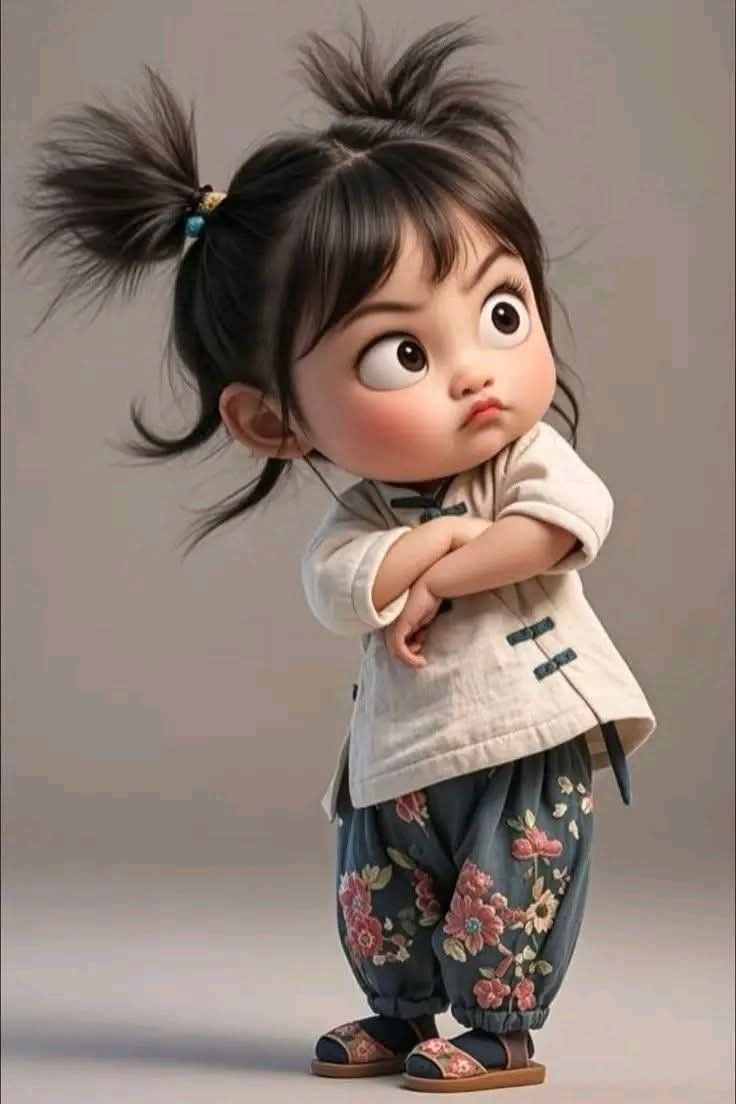
Explore Multiple Dance Styles
Choose from ready-made templates inspired by social video trends, classic grooves, and playful motion styles. Matching the right template to the photo usually leads to cleaner, more believable results.
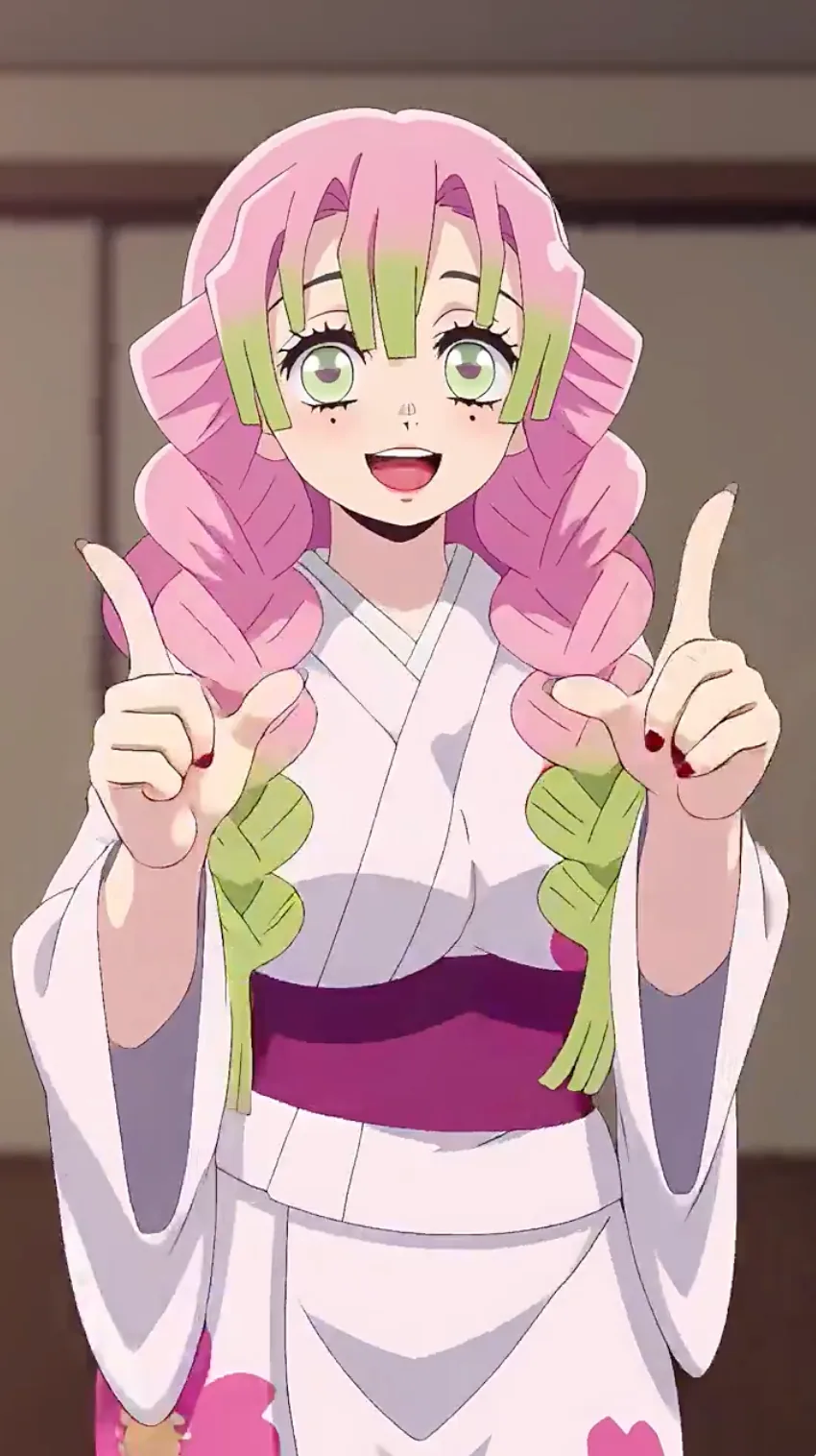
Create Cleaner, More Natural Motion
A strong reference photo and the right dance template help the model keep facial identity, body shape, and movement more consistent. That makes the final video feel smoother and more realistic.
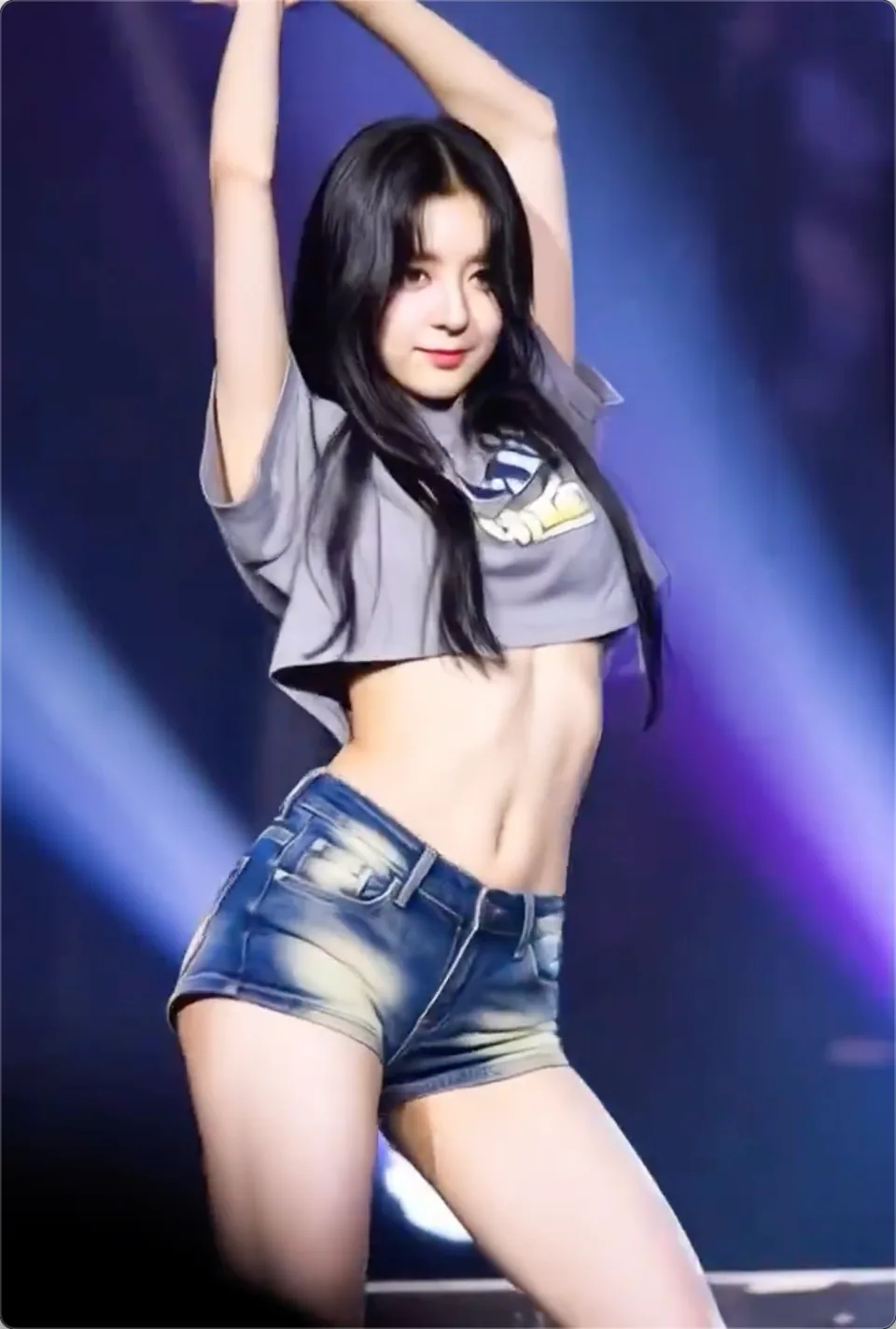
Make Videos for Social Posts, Memes, and Greetings
Use the generator for birthday videos, reaction content, TikTok-style posts, or quick shareable clips. The process stays simple: upload a photo, pick a template, and generate a video you can post almost anywhere.
How to Make an AI Dance Video
Create a dance video in three simple steps. The model handles the motion generation while you control the photo and template.
Upload Your Photo
Use a clear full-body photo with one visible subject. Simple backgrounds and good lighting usually improve the final result.
Choose a Dance Template
Browse the available dance styles and select the template that best matches the energy, pose, and framing of your photo.
Generate and Share
Create the video, preview the result, and download a clip ready for TikTok, Reels, Shorts, or private sharing.
How to Get Better Results from an AI Dance Video Generator
A strong landing page should answer both search intent and user intent. These practical tips explain how AI dance video generation works, which photos perform best, and how to get cleaner motion from template-based animation.
1) What an AI dance video generator actually does
An AI dance video generator takes a reference photo and maps it to a predefined motion pattern or dance template. Instead of manually editing frames, you upload a still image, choose a dance style, and let the model animate the body while trying to preserve identity and visual consistency.
For users searching terms like photo to dance video, animate a photo, or AI dance animation, the core value is speed. The tool turns a single image into a short, shareable performance without requiring motion design, video editing, or keyframe work.
2) The best photos for AI dance videos
The best input is usually a clear, full-body photo with one subject facing the camera. Good lighting, visible limbs, and minimal background clutter make it easier for the model to understand pose, body shape, and motion boundaries.
If the subject is cropped too tightly, hidden behind objects, or turned at an extreme angle, the final dance video may look less stable. A simple, high-resolution reference image usually produces the cleanest animation and the most natural-looking movement.
3) Why templates matter for short-form content
Templates are what make an AI dance video generator practical for TikTok, Instagram Reels, and YouTube Shorts. Instead of describing motion in text and hoping the model interprets it correctly, you start from a known dance pattern with clear rhythm and pacing.
This is especially useful when you want a dance video maker workflow that feels predictable. You can compare different templates, match the energy of the dance to the photo, and regenerate faster because the motion style is already structured.
4) How to make AI dance videos look more realistic
If your goal is a realistic AI dance video, focus on three variables first: image quality, motion fit, and clip length. A strong reference image, a template that matches the subject's pose, and a short duration usually outperform complicated prompts or aggressive motion styles.
For most creators, the best workflow is simple: upload a clean photo, choose a template with readable body movement, generate a short preview, then iterate only one variable at a time. That process improves consistency and produces better results for social sharing.
Why Use This AI Dance Video Generator?
It is built to be simple, fast, and practical for short-form video creation.
No editing skills needed
Upload a photo, choose a template, and let the generator handle the animation workflow.
Fast cloud rendering
Generation happens in the cloud, so you can create videos even from a laptop or phone.
Private by default
Your uploaded photos are processed securely, with privacy protections built into the workflow.
Made for social platforms
Create clips that fit naturally into TikTok, Instagram Reels, and YouTube Shorts workflows.
Template-based workflow
Starting from a dance template makes results more predictable and easier to iterate.
Clear output quality
Generate sharp, shareable dance videos suitable for mobile viewing and reposting.
Choose the Right Dance Workflow
This page is for general AI dance videos from portraits, people, characters, and social content. Use the baby-specific workflow when you want baby dance templates or safer baby-photo motion.
AI Dance Video Generator FAQ
Common questions about turning photos into dance videos.
Looking to animate a dog or cat photo instead? Use AI Pet Dance for a pet-focused workflow with templates designed for pets.
Create Your AI Dance Video Today
Upload a photo, choose a dance template, and generate a shareable clip in minutes. Want a pet-specific workflow instead? Try AI Pet Dance for dogs, cats, and other pets.