Best Dog and Cat Photos for AI Pet Dance Videos
See which dog and cat photos work best for AI pet dance videos. Learn what makes a good input image, what to avoid, and how to fix weak photos before animation.
The quality of an AI pet dance video depends heavily on the input photo. Even a strong generator cannot fully rescue a blurry, heavily cropped, or cluttered image. On the other hand, a simple, well-framed dog or cat photo can produce a much cleaner and more natural dancing result.
This guide explains what kind of pet photos usually work best, what types of images fail most often, and when to fix the frame before you use AI Pet Dance.
What Makes a Good Pet Photo for AI Dance
A strong pet photo usually has four things:
- a clear subject
- enough visible body information
- a simple or manageable background
- a pose that gives the model room to infer motion
In most cases, the goal is not to find the cutest photo. It is to find the most animation-friendly one. Cute and usable sometimes overlap, but they are not the same thing.
The model needs enough structure to understand where the body begins, where it ends, and how the pet might move through space. When the image is too cropped, too noisy, or too dark, that structure becomes harder to infer.
If you want the full start-to-finish workflow, read how to turn a pet photo into a dancing video.
Best Dog Photos for AI Pet Dance
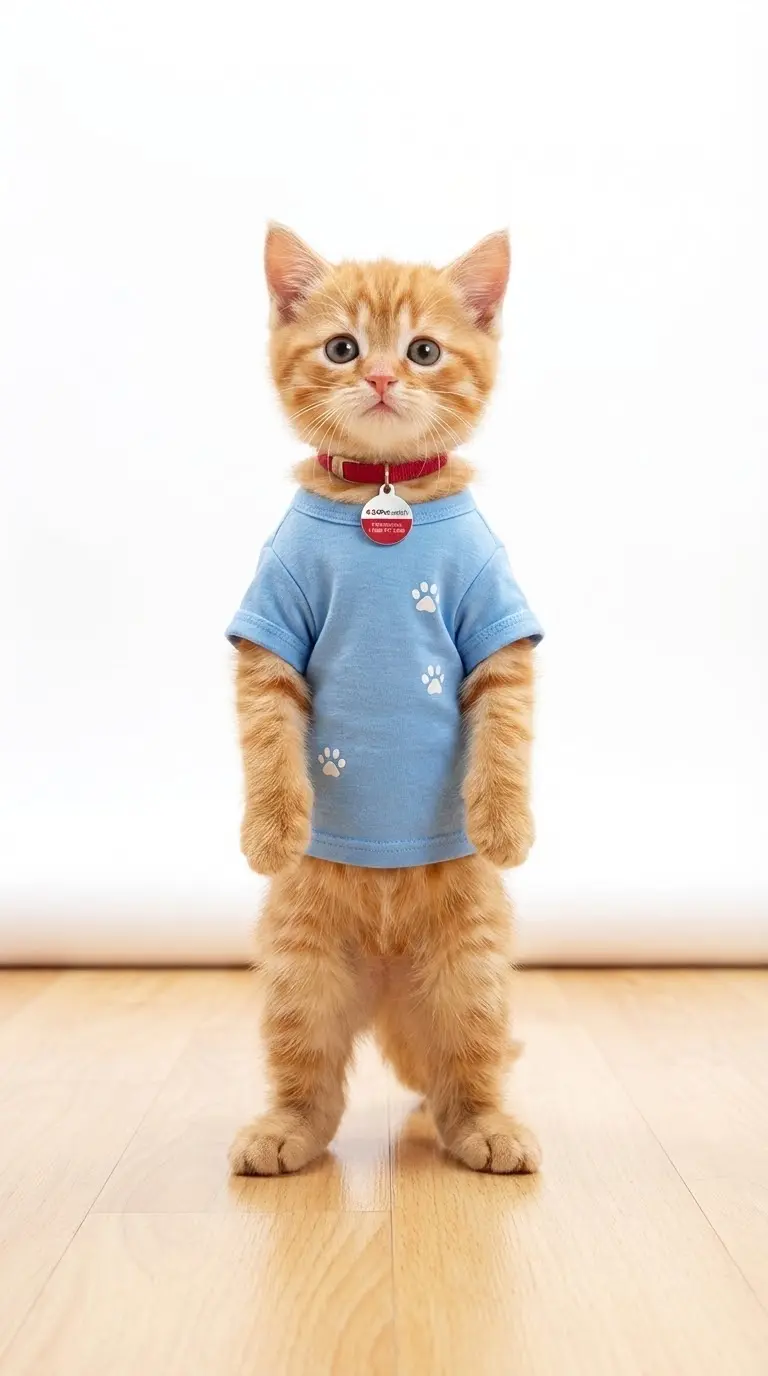
Dog photos tend to work well when:
- the dog is standing or sitting upright
- the body is easy to see
- the legs are not hidden
- the image has good lighting
- the background does not overpower the dog
Standing dog photos often work best because they already contain a readable posture. You can usually see the body balance, leg position, and direction of the face. That gives the model more information to build motion from.
A good dog image does not need to be professionally shot. A casual phone photo can work very well if the frame is clear enough. What matters most is whether the dog remains readable at a glance.
Dogs often work better in standing poses because the body structure is easier for the model to interpret.
Best Cat Photos for AI Pet Dance
Cat photos can work very well too, but they often require more careful selection.
Good cat photos usually include:
- a sitting cat with visible body shape
- a standing cat in profile or slight angle
- a clear outline against the background
- enough space around the subject
Harder cat photos include curled-up sleeping poses, extreme close-ups, or photos where the cat blends into blankets, shadows, or furniture.
Cats are often photographed in cozy or compressed poses, which look great as photos but give the animation model less room to infer movement. That does not mean cats are harder overall. It just means the best cat photos are usually the ones where the body outline remains clear.
Cats usually need a clearer body outline than cozy curled-up shots, especially if you want the final dance clip to feel balanced.
Photos That Usually Do Not Work Well
Some images are much harder to turn into dance videos.
These often include:
- face-only close-ups
- body heavily cut off by the frame
- blurred motion shots
- photos with multiple overlapping pets
- dark images with weak subject separation
- pets hidden behind objects
These photos are not always unusable, but they usually need editing before animation. A blurred photo may still have emotional value, but if the body is hard to read, the final dance clip will often look unstable or incomplete.
How to Fix a Weak Pet Photo Before Animation
If the image captures a strong moment but the framing is weak, fix it first instead of discarding it.
Use Dance Image Editor when:
- paws or tail are cut off
- the body is too close to the edge
- the photo feels cramped
- the background is distracting
- the subject does not stand out clearly
A quick image fix often makes a big difference before you generate the final dance video. Better framing gives the model more room to interpret the pet naturally, and cleaner separation helps the output feel more stable.
This is especially useful for pet owners who do not have a large library of perfect photos. In practice, many “almost good” dog and cat images become much more usable after one round of cleanup.
For a full repair-focused walkthrough, see our guide to fixing a cropped pet photo before making a pet dance video.
Where to Create the Final Pet Dance Video
Once the image looks clean and motion-ready, move to AI Pet Dance to generate the final result.
This workflow is usually the easiest:
- choose a better dog or cat photo
- fix the image if needed
- upload it to AI Pet Dance
- choose a template
- generate the video
This process is more reliable than uploading random pet photos and hoping the result works. A little discipline at the input stage usually saves time and credits later.
Quick Checklist Before You Upload
Before using an AI pet dance generator, ask:
- Is the pet clearly visible?
- Can I see most of the body?
- Is the image sharp enough?
- Is the background manageable?
- Is there only one main pet?
- Do I need to prepare the photo for animation first?
If you can answer yes to most of these questions, your chances of getting a clean result are much higher. If not, fix the frame first and then move into generation.
In practice, a plain, well-lit pet photo often outperforms a more emotional but badly cropped image. The generator is trying to build believable motion, not just preserve cuteness.
FAQ
Do dog photos work better than cat photos?
Not always. Both can work well, but the framing and body visibility matter more than the animal type.
Can I use a sitting pet photo?
Yes, as long as the body shape is still clear and the frame is not too tight.
What if only my pet’s face is visible?
Face-only photos are harder to animate well. A fuller-body photo usually works better.
Should I fix the image before using AI Pet Dance?
Yes, especially when the image is cropped, messy, or lacks enough body detail.
Have a strong pet photo ready? Create your final video with AI Pet Dance. If the framing still feels weak, improve it first with Dance Image Editor.
Author

More Posts
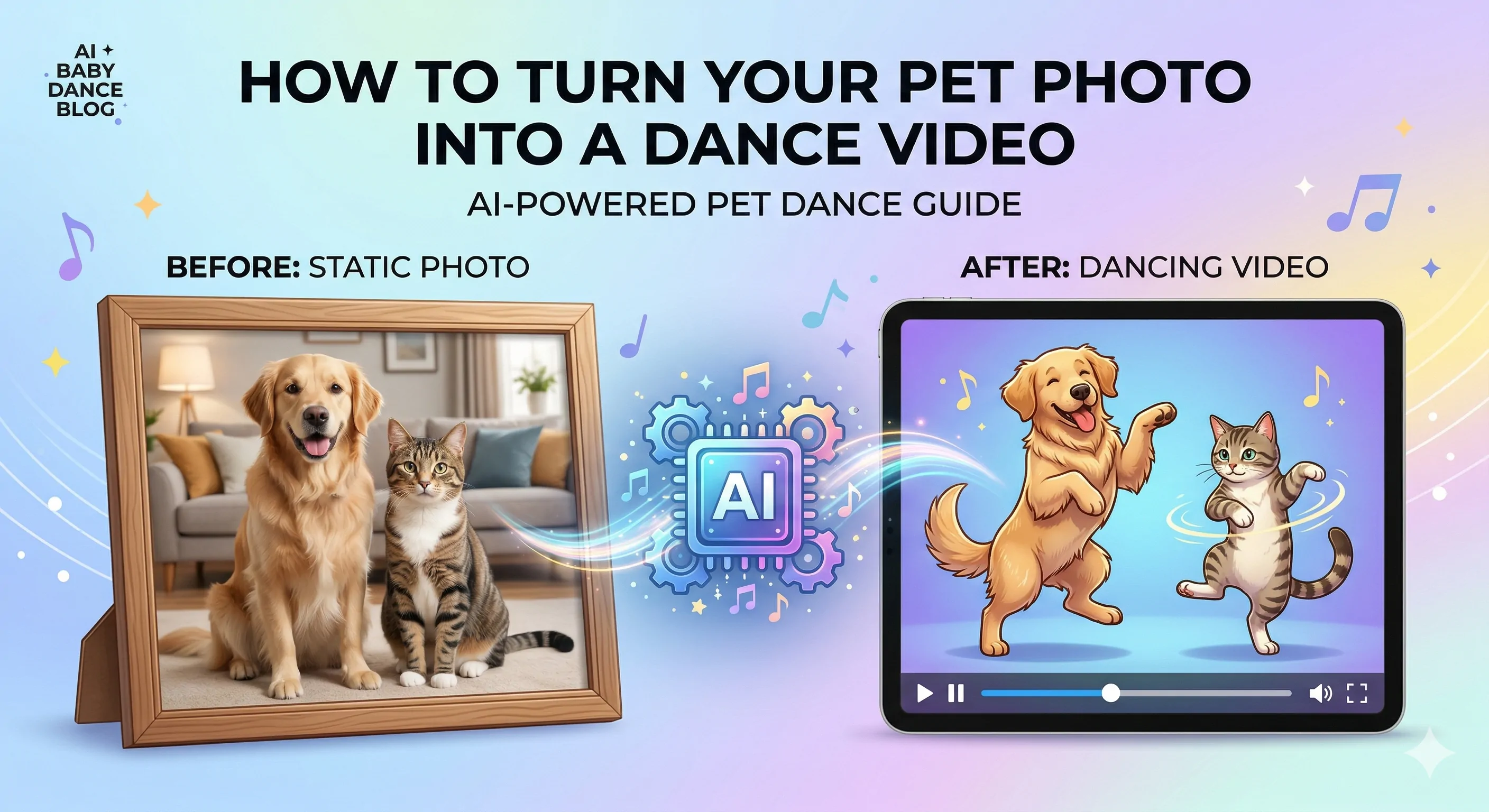
How to Turn a Pet Photo into a Dancing Video
Learn how to turn a dog or cat photo into a funny dancing video. See what photo works best, when to fix the image first, and how to generate the final pet dance clip.
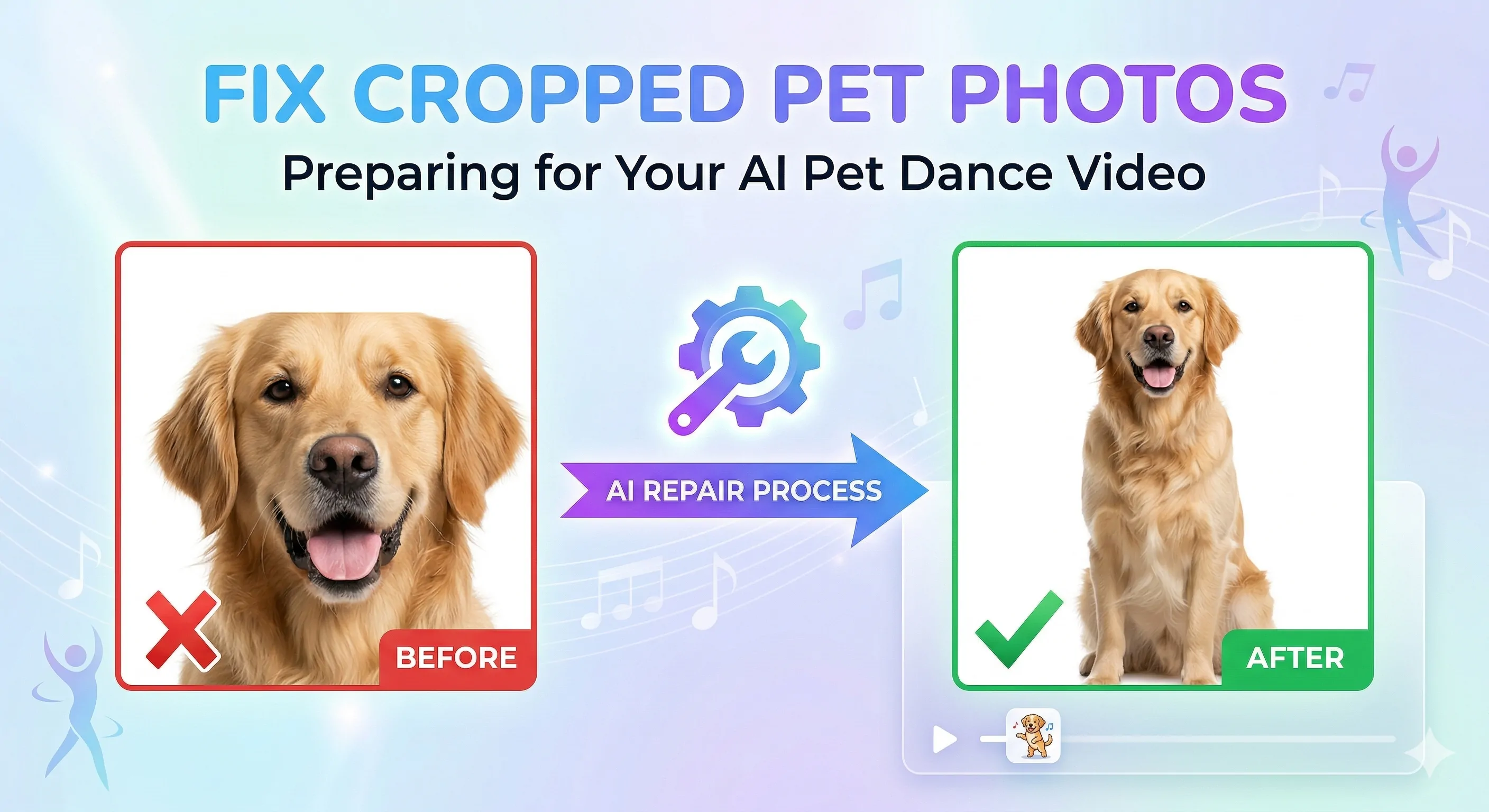
How to Fix a Cropped Pet Photo Before Making a Pet Dance Video
Learn how to fix a cropped dog or cat photo before making an AI pet dance video. See why bad framing causes weak results and how to prepare the image for animation.
How to Turn Your Baby Photo into a Viral Dance Video in 2 Minutes (2026 Guide)
Want to make your baby dance like a TikTok star? Learn how to use the best AI Baby Dance generator to turn static photos into viral videos in minutes. No editing skills needed.
Newsletter
Join the community
Subscribe to our newsletter for the latest news and updates