AI Pet Dance Generator
Turn dog and cat photos into funny dance videos with pet-friendly templates. If your image is cropped, messy, or not motion-ready, fix it first with Dance Image Editor and then generate your pet dance clip.
Create Your Pet Dance Video
Upload a pet photo, choose a dance template, and turn it into a funny pet dance video. Great for dog dance videos, cat dance clips, and quick social posts.
AI Pet Dance Generator
Pet photo + dance template + motion control
Upload pet photo
JPG, PNG, WebP (max 10MB)
Upload pet photo
JPG, PNG, WebP (max 10MB)
Credits are consumed when generation starts. Failed generations are refunded.
Previewing: Pet Starter
Your photos are processed securely and never stored.
Why Pet Dance Videos Work Better With Templates
A good template helps pet photos turn into cleaner, more shareable clips. This section shows how the generator keeps the workflow simple while improving the result.
Turn a Pet Photo Into a Dance Clip
Upload one clear pet photo and let the generator animate it into a short dance video. The process stays fast and simple for first-time users.
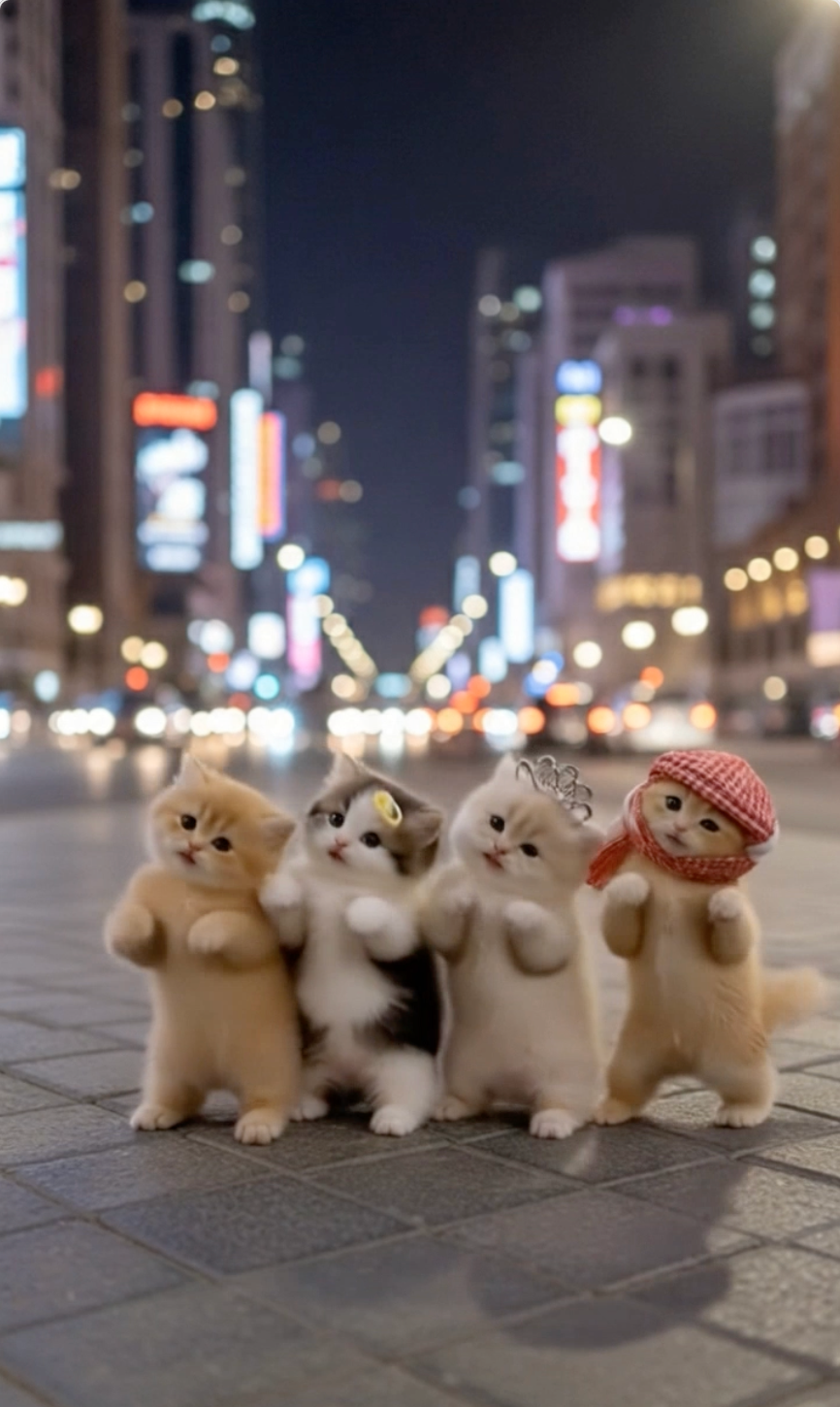
Choose Motion That Fits Pets
Pet-friendly templates make it easier to get motion that feels natural rather than overly chaotic. That usually leads to a better first result.
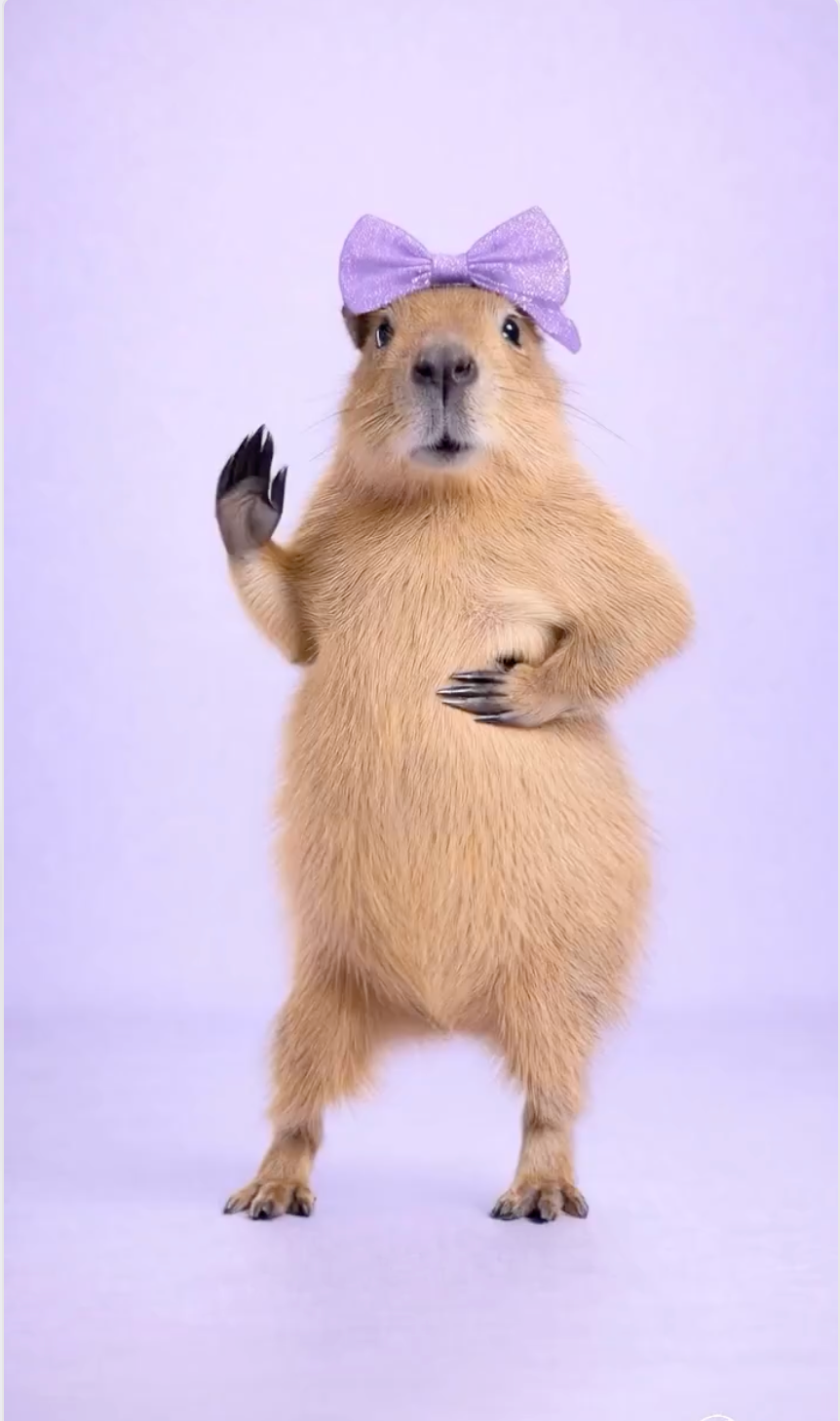
Keep Fur, Pose, and Movement Clear
A clean photo and a matching dance template help the model keep the subject readable through the clip. That means fewer messy outputs and more usable results.
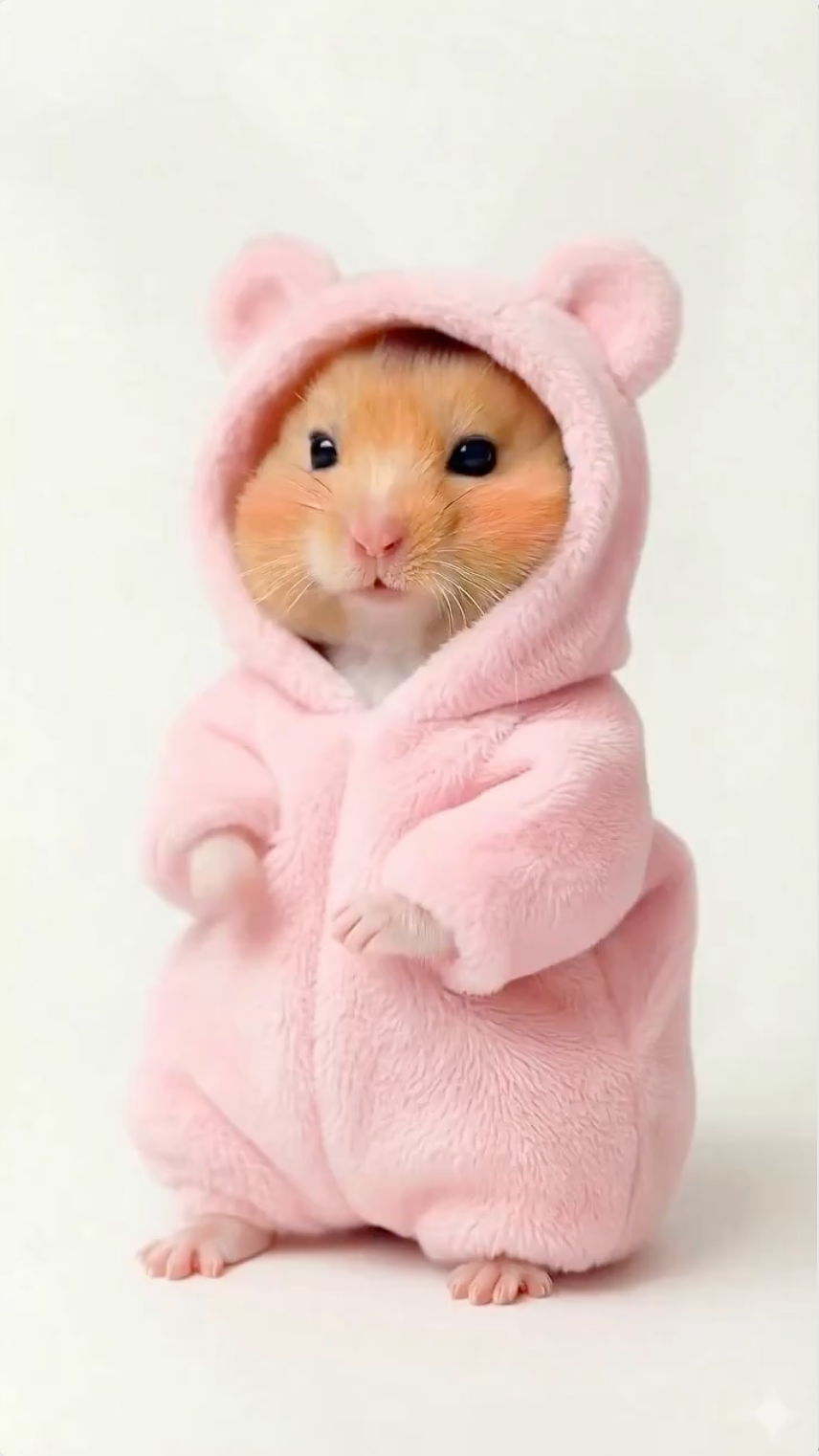
Make Funny Clips for Social Posts
Turn pet photos into clips you can post on TikTok, Reels, Shorts, or send to friends. The workflow is built for quick, shareable results.
How to Get Better Pet Dance Results
These practical tips explain how pet photo to video generation works, which dog and cat photos perform best, and how to get a cleaner first result.
1) What an AI pet dance generator does
An AI pet dance generator takes a photo of a dog, cat, or other pet and maps it to a predefined dance motion. You upload the image, choose a template, and let the model animate the subject while keeping the workflow simple.
For users searching terms like pet dance video, animate a pet photo, or AI pet animation, the main value is speed. The tool turns one image into a short, shareable clip without editing software or manual animation.
2) The best photos for pet dance videos
The best input is usually a clear photo with the pet fully visible. Good lighting, a readable pose, and minimal background clutter help the model understand the subject better and produce cleaner motion.
If the pet is cropped too tightly, turned away, or hidden by objects, the clip can look less stable. A simple, high-resolution reference photo usually gives the best starting point. If the photo needs cleanup first, use Dance Image Editor before you animate it.
3) Why templates matter for dog and cat videos
Templates make the workflow practical for social sharing. Instead of describing motion with a long prompt, you start from a known dance pattern with clear rhythm and pacing.
This is especially useful when you want a dog dance video or cat dance video that feels predictable. The template gives you a repeatable style, so it is easier to match the subject and regenerate if needed.
4) How to make pet dance videos look more natural
If your goal is a funny but believable pet dance video, focus on three variables first: photo quality, motion fit, and clip length. A strong reference photo, a template that matches the subject, and a short duration usually work best.
For most users, the best workflow is simple: upload a clear pet photo, choose a template with readable motion, generate a short preview, then iterate one variable at a time. That keeps results consistent and makes sharing easier.
5) When to use AI Pet Dance instead of AI Dance Video Generator
Use the AI Pet Dance Generator whenever your subject is a dog, cat, or other animal. The model handles animal anatomy and quadruped movement better when paired with pet-friendly templates.
If your photo features a human adult, creator, or general portrait, switch to the main AI Dance Video Generator instead. Keeping these workflows separate ensures you get the best motion quality for your specific subject type.
6) When to fix a pet photo before animation
The most common cause of a bad pet dance video is a poor input image. If your pet's body is cropped, paws or tail are cut off, the subject is turned away, or the background is incredibly messy, the animation will likely struggle.
In these cases, do not generate the video immediately. Instead, run the photo through the Dance Image Editor first to uncrop, expand the frame, and clean up distractions. A clean, full-body input photo dramatically improves the final video output.
How to Make a Pet Dance Video
Create a pet dance video in three simple steps. The generator handles the motion while you control the photo and template.
Upload Your Pet Photo
Use a clear photo with one visible pet. Good lighting and a simple background usually improve the final result.
Choose a Dance Template
Browse the available motion styles and select the template that best matches the energy and framing of your pet photo.
Generate and Share
Create the video, preview the result, and download a clip ready for TikTok, Reels, Shorts, or private sharing.
Tips for Better Pet Dance Results
Use these simple tips to get cleaner, more shareable pet dance videos from your first attempt.
Keep the pet fully visible
Photos that show the whole subject usually work better than tightly cropped images.
Fix cropped photos first
If paws, tail, or the body are cut off, prepare the image in Dance Image Editor before you generate the video.
Use a clear, well-lit image
Soft, even lighting helps the model keep the pet readable and reduces messy motion.
Start with short clips
Short clips are easier to preview, tweak, and share on social platforms.
Match the template to the photo
A calm photo usually works better with a simpler motion, while a lively pose can handle more energy.
Popular Ways to Use AI Pet Dance
Use the generator for social posts, memes, gifts, and everyday fun.
Dog birthday posts
Turn a favorite dog photo into a funny birthday clip that feels personal and shareable.
Cat meme content
Create playful cat dance clips that work well for meme accounts and quick social posts.
Pet parent gifts
Make a short dance video as a gift for a friend, family member, or fellow pet owner.
Short-form social content
Generate fast, funny clips for TikTok, Instagram Reels, or YouTube Shorts.
AI Pet Dance FAQ
Common questions about turning pet photos into dancing videos.
Create Your Pet Dance Video Today
Upload a pet photo, choose a dance template, and generate a shareable clip in minutes. Need a cleaner photo first? Open Dance Image Editor before you animate it.