AI Baby Dance
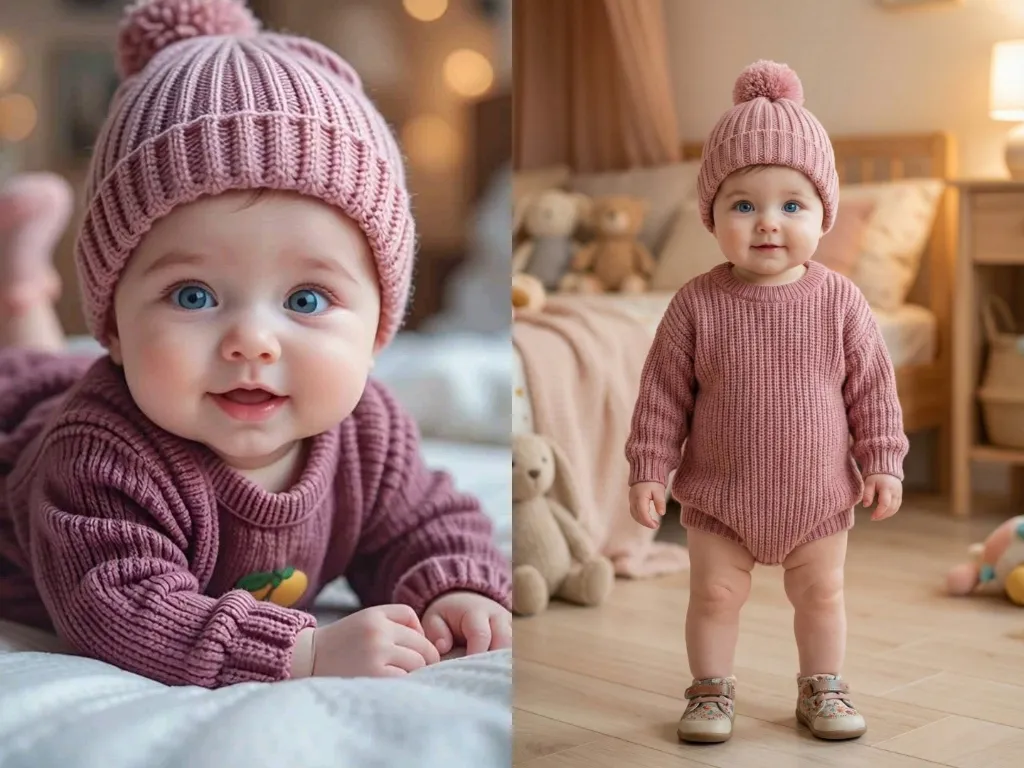
Use your improved baby photo to create a fun baby dance video with cleaner body framing and more stable motion.
If your photo is cropped, side-facing, seated, blurry, or not ready for motion, start here first. This dance image editor helps you expand to full body, clean the background, and prepare a stronger source image before generation.
Included in Creator Pack and paid plans
Images are saved to My Creations. You can view or delete them there at any time.
A stronger source image makes motion generation easier. Use this page to rebuild full-body framing, reduce background noise, and improve subject clarity before you move into baby dance, general dance video, or Kling-based workflows.
The goal is not generic photo editing. Each tool here is designed to make a cropped, messy, or incomplete image more usable for dance video generation.
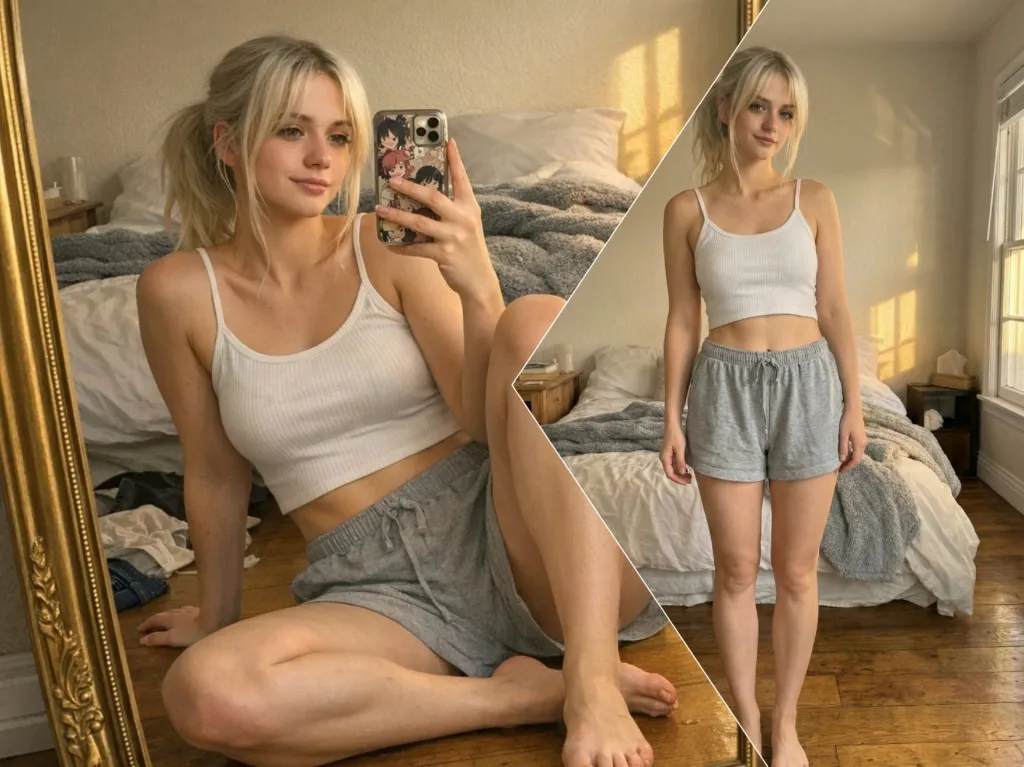
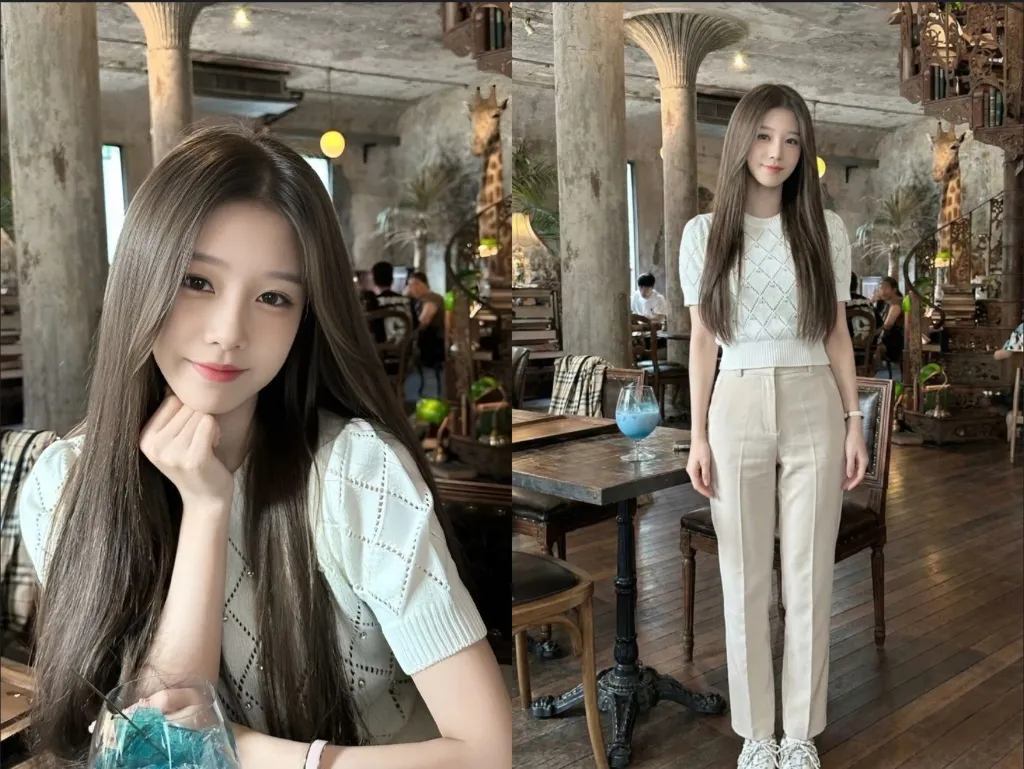
Many dance videos fail because the source image is cropped at the knees, feet, or arms. This AI dance image editor extends the frame into a full-body image so the animation model can read a complete silhouette and produce cleaner motion.
Busy rooms, shadows, and clutter can make dance video generation less stable. Use the editor to clean or replace the background while keeping the person or pet sharp, centered, and ready for animation.
When the source image is blurry, dance motion often looks worse. This AI dance image editor improves facial detail, edge clarity, and subject separation so your generated dance video keeps identity and shape more consistently.
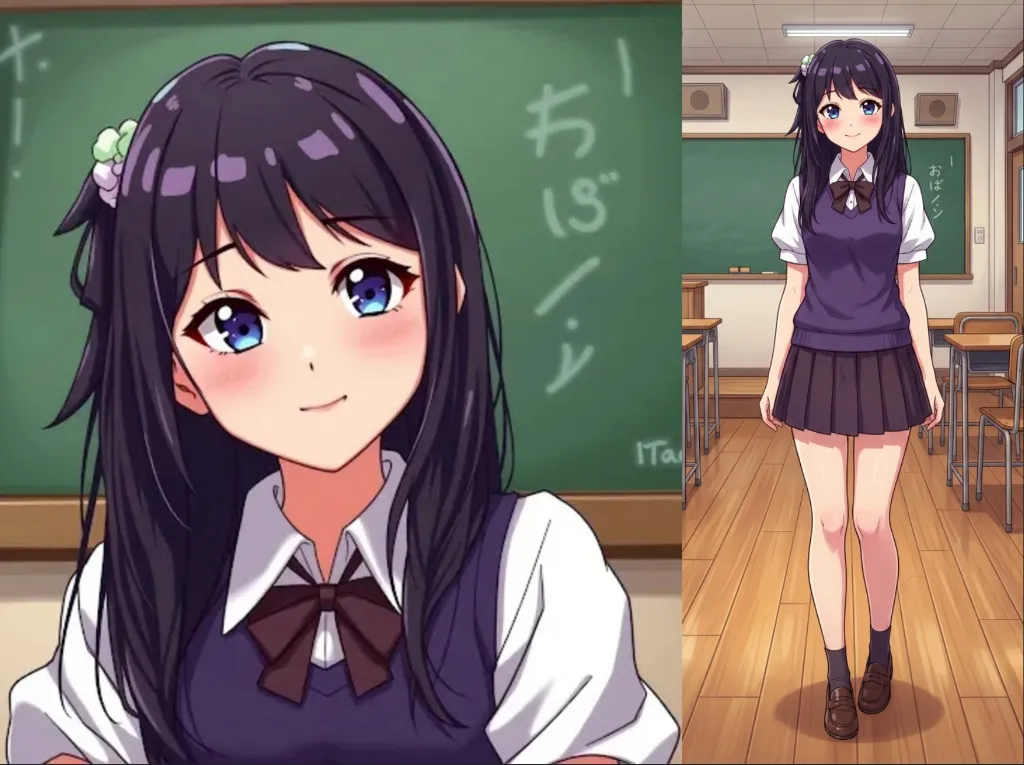
Whether you want a human dance clip or a funny pet dance video, the workflow is the same: upload, uncrop, adjust, and export a dance-ready image. You do not need separate design tools or manual retouching before generating the video.
Use this AI dance image editor to turn a normal portrait into a stronger input for dance video generation in a few simple steps.
Start with the cleanest photo you have. A centered subject, visible face, and simple background give the AI dance image editor better material to work with before dance generation.
Use uncrop and expansion to restore missing legs, feet, or background space. This helps the final dance video start from a complete body pose instead of a cropped image.
Once the image looks complete and centered, send it into your dance video workflow. Better input quality usually means better pose stability and fewer visual artifacts.
This page is focused on input quality for dance video generation, not broad photo editing. That focus is what makes the results more useful.
The editor rebuilds enough body context for the dance model to animate a more complete and believable pose.
Instead of generic expansion, the workflow focuses on turning incomplete portraits into usable dance video inputs.
Background cleanup helps the subject stand out and reduces distractions that can hurt animation quality.
Face clarity matters when a still image turns into motion. Better detail helps preserve identity across frames.
You can prepare source images for human dance videos, pet dance clips, and other character-style dance content in one place.
Everything on this page is optimized to help your next tool, the dance video generator, start from a better image.
Once your image is cleaner, fuller, and more stable, choose the workflow that fits your goal.
Use your improved baby photo to create a fun baby dance video with cleaner body framing and more stable motion.
Use your full-body edited image for a more general dance video workflow built for adults, creators, and broader dance content.
Move into a more advanced baby dance workflow when you want stronger motion consistency and better control.
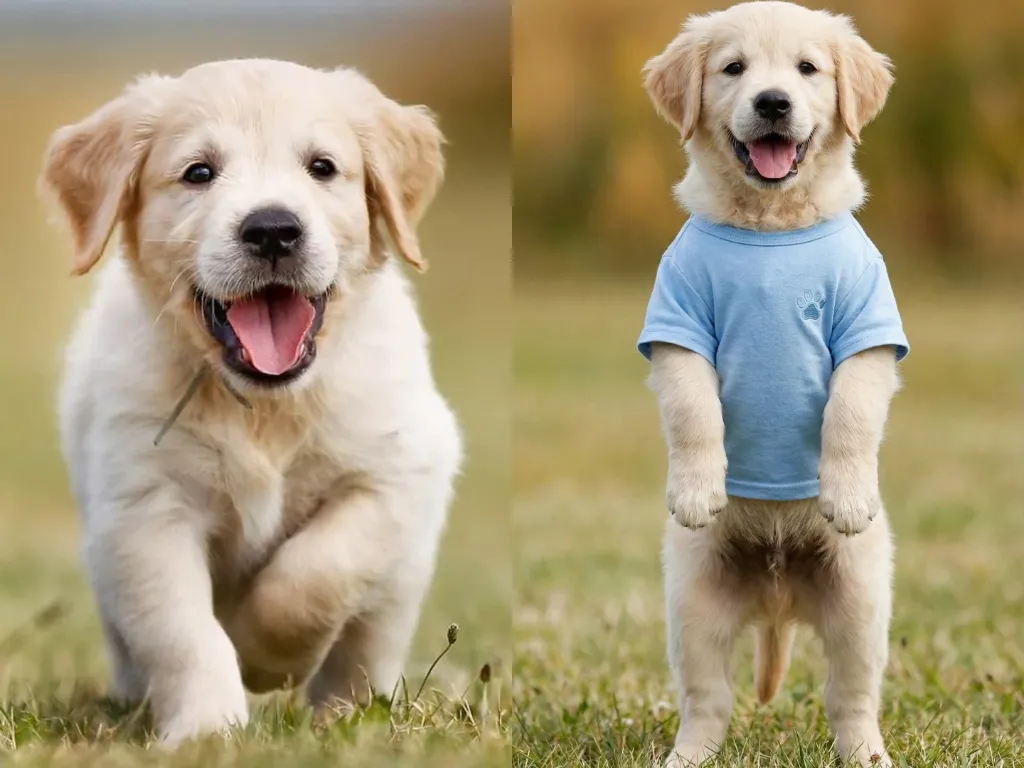
Fix cropped, messy, or low-framing pet photos here before generating with AI Pet Dance. This works especially well when the body, paws, or tail are cut off.
Quick answers about preparing photos for dance video generation.
Fix your image first, then use the improved result in AI Baby Dance, AI Dance Video Generator, AI Pet Dance, or other dance workflows.